Debt Payoff Calculator: Snowball vs Avalanche — Pick the Strategy That Saves You More
Compare the debt snowball and avalanche strategies side by side. The free Debt Payoff Calculator simulates payoff dates and total interest across all your debts, entirely in your browser.
Free Interactive Tool
Debt Payoff Calculator
Compare debt snowball vs avalanche payoff strategies across multiple debts. See payoff dates, total interest paid, and the fastest way to become debt-free. Free online tool.
Table of Contents
If you carry more than one debt, you have probably asked the question personal finance forums argue about endlessly: pay off the smallest balance first, or the one with the highest interest rate? Snowball and avalanche can produce very different payoff dates and interest bills, and the difference is rarely obvious without running the numbers.
The Debt Payoff Calculator answers it for you. Add each debt with its balance, APR, and minimum payment, optionally set a monthly extra payment, and the tool simulates both strategies side by side: payoff time in months, payoff date, total interest per plan, and the recommended winner. Everything runs client-side in your browser, so your financial details never leave your device.
Why Use the Debt Payoff Calculator?
- See both futures before you commit. Watch both simulations complete side by side, with payoff dates and interest totals you can compare at a glance.
- Model your real debt stack. Multiple debts — credit cards, personal loans, store cards, medical bills — each with its own balance, APR, and minimum payment, exactly how most debt actually looks.
- Quantify the cost of the extra payment. Add $100, $200, or $500 per month and instantly see how many months and how much interest disappear.
- Get payoff dates, not just month counts. Knowing a plan takes 33 months is abstract; a debt-free date you can circle on a calendar is not.
- Private, free, and decisive. The simulation runs entirely in your browser with no accounts or uploads, and the calculator declares which strategy wins for your specific numbers.
Key Features
| Feature | What It Does |
|---|---|
| Multi-debt input | Add debts with balance, APR, minimum payment, and optional extra payment |
| Dual simulation | Runs snowball and avalanche simultaneously on the same debt stack |
| Payoff timeline | Reports payoff time in months plus the calendar payoff date |
| Interest totals | Shows total interest paid per strategy so the true cost is visible |
| Strategy recommendation | Declares the winning strategy based on your numbers |
| Client-side engine | All math happens in your browser with zero data transmission |
- Same budget, both plans. Minimums plus extra payment are identical across the two simulations, so payment order is the only variable.
- Realistic roll-down. When a debt is retired, its minimum payment rolls into the next target, matching how accelerated payoff plans behave.
How to Use
- Open the Debt Payoff Calculator. No signup required.
- Add your first debt. Enter the balance, the APR from your statement, and the minimum payment, then repeat for every debt — the tool is built for stacks of three, five, or more.
- Set your extra payment. Enter the amount you can add each month beyond the minimums. Even $50 changes the timeline materially; start with a number you can sustain.
- Run the comparison. Both strategies are simulated instantly and presented side by side: payoff months, payoff date, total interest, and the order in which each debt disappears.
- Test scenarios. Change the extra payment, imagine retiring one debt with a bonus, or remove a debt you plan to consolidate, until you find a plan you can commit to.
Understanding the Two Strategies
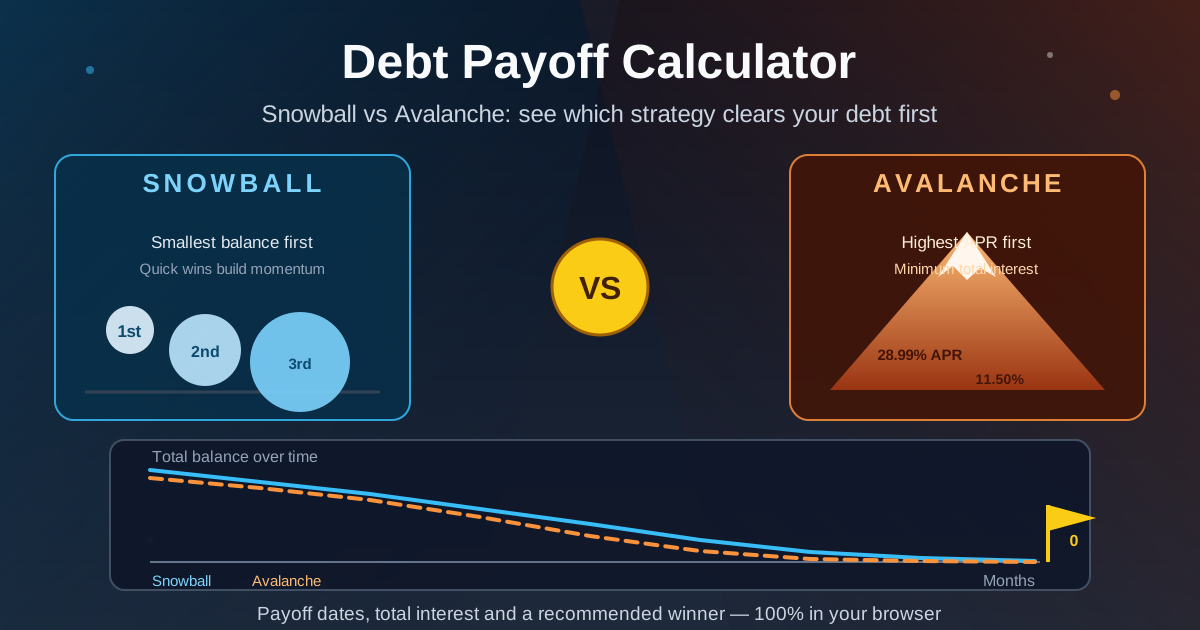
Snowball orders your debts from smallest balance to largest. Pay minimums on everything and throw the extra payment at the smallest debt; when it is gone, its payment rolls into the next smallest, and the growing snowball accelerates until everything is paid.
Avalanche orders your debts from highest APR to lowest. Attack the most expensive debt first, because every dollar sent there saves the most interest, then roll the payment to the next highest rate.
The distinction is psychology versus mathematics. Snowball produces early wins — a $900 store card can vanish in two months — and behavioral research consistently shows that visible progress keeps people paying. Avalanche is mathematically optimal but front-loads the grind: the most expensive debt is often also the largest, so the first win may take a year. As a rule of thumb, if you have quit a payoff plan before, snowball's momentum may be worth a little extra interest; if you are disciplined and rate gaps are wide, avalanche wins.
A worked example. Suppose you owe $14,600 across four debts:
| Debt | Balance | APR | Minimum |
|---|---|---|---|
| Store card | $900 | 28.99% | $35 |
| Credit card A | $2,400 | 24.99% | $60 |
| Personal loan | $4,500 | 11.50% | $150 |
| Credit card B | $6,800 | 19.99% | $136 |
Your minimums total $381, and you can add $200 per month, for a $581 monthly budget. The calculator reports:
- Snowball: debt free in 33 months (2 years 9 months), paying $3,996 in total interest: store card in month 2, credit card A in month 7, personal loan in month 15, big card in month 33.
- Avalanche: debt free in 31 months (2 years 7 months), paying $3,279 in total interest. The first two targets match snowball, then the plans diverge — avalanche crushes the 19.99% card before touching the cheap 11.50% loan.
The avalanche wins by roughly $718 and two months, and the tool recommends it. For perspective, paying only the minimums would stretch the same debt across 109 months — nine years — and cost $12,094 in interest. The $200 extra payment matters far more than the strategy choice.
Practical Use Cases
Deciding which card to attack first
A household juggling several cards rarely realizes how much ordering matters. In the example above, avalanche saved $718 just by sending the extra $200 to the 19.99% card before the 11.50% loan. Run your own stack before another minimum goes to the wrong account.
Pricing a balance transfer or consolidation
Before opening a 0% balance-transfer card or taking a consolidation loan, simulate payoff without it. If avalanche clears your stack in 31 months at $3,279 of interest, you know exactly what a transfer is worth and whether a 3% fee plus promotional-period risk beats simply paying aggressively.
Choosing your extra payment
The calculator makes the marginal dollar visible. On the example stack, $0 extra takes 54 months and $5,893 of interest; $100 extra takes 40 months and $4,199; $300 extra takes 26 months and $2,699. The first $100 eliminates 14 months, the next $200 another 14.
Best Practices
- Pull numbers from statements, not memory. Balances drift, APRs change after promotions end, and minimums are recalculated — a simulation is only as good as its inputs.
- Re-run the tool every few months. Every debt you retire reshapes the optimal order; a quarterly check keeps the plan aligned with reality.
- Be conservative with the extra payment. A plan built on $500 you cannot sustain fails; one built on $150 you always pay succeeds. Simulate the sustainable number first.
- Keep minimums covered no matter what. Both strategies assume every minimum is paid on time — a single missed payment triggers penalty APRs that invalidate the entire model.
- Pair it with a budget. Knowing you need $581 per month is half the equation; the loan calculator and a written budget supply the other half.
- Save the winner, then automate. Set up automatic payments in the chosen order so willpower is not required each month.
Start Your Debt-Free Countdown
The best payoff strategy is grounded in your actual numbers and carried to zero. Open the Debt Payoff Calculator, enter your debts, and see both payoff dates and interest totals side by side — then pick the winner and start counting down. Free, instant, and completely private.
Related Tools You Might Like:
- Loan Calculator — work out payments and interest for any loan before you sign.
- Mortgage Calculator — model housing costs and see how extra payments shorten a mortgage.
- Savings Goal Calculator — once the debt is gone, redirect those payments toward building your emergency fund.
Whatever strategy you choose, the numbers in this guide show the same truth: consistent extra payments beat perfect strategy selection. Pick a plan, simulate it, and let the calendar do the motivating.
Frequently Asked Questions
Q: What is the difference between the debt snowball and avalanche methods?
A: Snowball pays debts from smallest balance to largest for fast psychological wins, while avalanche pays from highest APR to lowest to minimize total interest. Avalanche is mathematically cheaper; snowball is often easier to stick with.
Q: How much extra payment should I add each month?
A: Whatever your budget can sustain every month. Even $100 extra on a $14,600 debt stack cuts more than a year off the timeline, but an amount you cannot maintain is worse than a smaller amount you always pay.
Q: Does the calculator send my debt information anywhere?
A: No. The simulation runs entirely in your browser with client-side JavaScript. Nothing you type is uploaded, stored, or transmitted to any server.
Q: Can I include loans with different types, like a mortgage or student loan?
A: Yes. Any installment or revolving debt works if you know the balance, APR, and minimum payment. For mortgage-specific analysis such as full amortization schedules, the mortgage calculator is a better fit.