grade-boundary-calculator: Complete Online Guide, Features & Practical Examples
Learn how to use the free grade-boundary-calculator in your browser with step-by-step instructions, practical use cases, and expert tips.
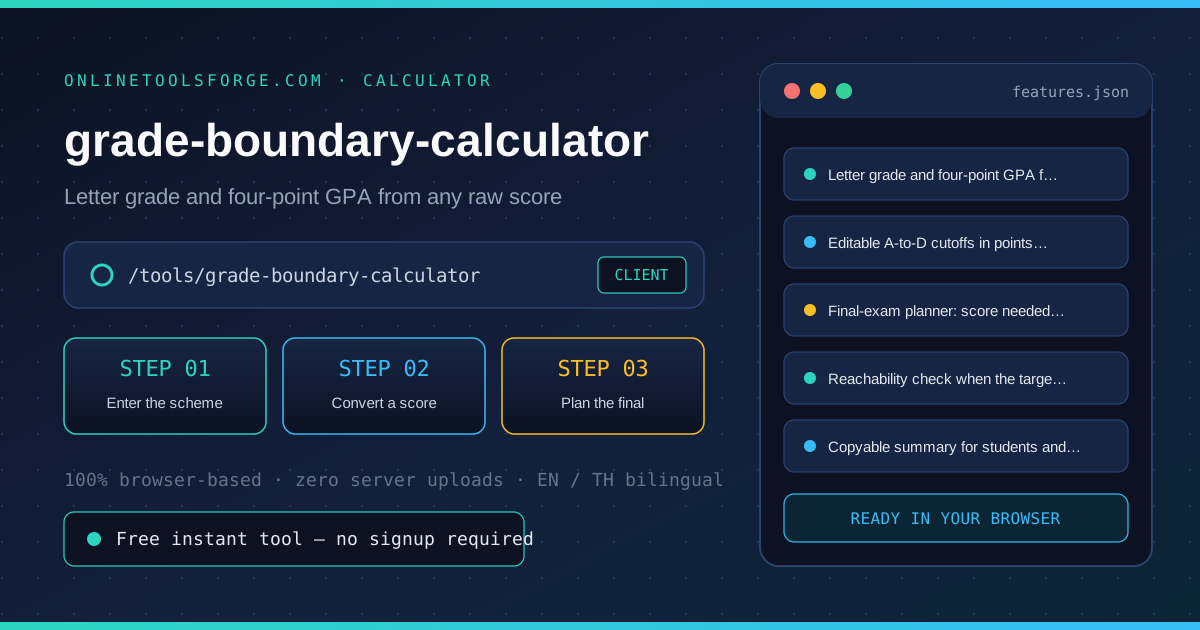
Free Interactive Tool
Grade Boundary Calculator
Set grade boundaries by points, convert marks to letter grades and GPA, and compute the score needed on the final exam to reach a target grade. Pure client-side math.
Table of Contents
The Grade Boundary Calculator converts a marking scheme into instant answers: set the total points and the A-to-D cutoffs, and any raw score becomes a percent, a letter grade and a four-point GPA. Its planner then answers the student question teachers hear most — what do I need on the final? — by solving the coursework-plus-weighted-final equation for a chosen target grade, with an honest out-of-reach verdict when mathematics says the target cannot land.
Whether you are double-checking numbers on a deadline, validating edge cases, or standardizing a repeatable workflow, the grade-boundary-calculator gives you an interactive, zero-install workspace directly in your browser. Every calculation and transformation runs locally on your device — no account registration, no paywalls, and no sensitive inputs uploaded to external servers.
In this guide, we walk through why dedicated tooling beats manual back-of-the-envelope work, explore every feature inside the interface, and cover step-by-step instructions alongside real-world scenarios.
Why Use grade-boundary-calculator?
- Immediate Clarity: Instant percent, letter and GPA from any raw score.
- Focused Workflow: Editable cutoffs that fit straight, curved or department schemes.
- Transparent Logic: Final-exam planner with a clear reachability verdict.
- Practical Accuracy: No sign-up, no spreadsheet — everything recalculates as you type.
- Time-Saving Defaults: Copyable summary for gradebooks and student replies.
- 100% Client-Side Privacy: Every operation executes inside your browser session, keeping your data private and responsive even on slow connections.
Key Features
| Feature Area | What It Delivers | Execution Mode |
|---|---|---|
| Capability 1 | Letter grade and four-point GPA from any raw score | Instant browser execution |
| Capability 2 | Editable A-to-D cutoffs in points, validated descending | Instant browser execution |
| Capability 3 | Final-exam planner: score needed for a target grade | Instant browser execution |
| Capability 4 | Reachability check when the target is mathematically out of reach | Instant browser execution |
| Capability 5 | Copyable summary for students and gradebooks | Instant browser execution |
- Interactive Feedback: Results recalculate on the fly as you adjust inputs, letting you compare multiple scenarios in seconds.
- Bilingual Interface: Switch seamlessly between English and Thai labels whenever you collaborate across multilingual teams.
- Copy & Export Ready: Grab formatted outputs or summaries with one click so you can paste them straight into docs, tickets, or spreadsheets.
How to Use grade-boundary-calculator
From a marking scheme to a grade and a final-exam plan in four steps.
- Open the Tool: Head to the grade-boundary-calculator in any modern desktop or mobile browser.
- Enter the scheme: Set the total points and the cutoffs for grades A through D in points. Cutoffs must descend from A to D, covering both straight and curved schemes.
- Convert a score: Enter any raw score to see its percent, letter grade and four-point GPA instantly — useful for returning marks to a class.
- Plan the final: Enter the coursework percent so far, the final exam weight and the target grade. The planner shows the percent the final must deliver for the target to land.
- Read the reachability: If the needed score is negative the target is already secured; if it exceeds 100 percent the target is mathematically out of reach, and the tool says so plainly.
Core Concepts & How It Works
Understanding the underlying mechanics helps you interpret the output with confidence. The Grade Boundary Calculator converts a marking scheme into instant answers: set the total points and the A-to-D cutoffs, and any raw score becomes a percent, a letter grade and a four-point GPA. Its planner then answers the student question teachers hear most — what do I need on the final? — by solving the coursework-plus-weighted-final equation for a chosen target grade, with an honest out-of-reach verdict when mathematics says the target cannot land.
Instead of hiding assumptions behind a single opaque result, the grade-boundary-calculator surfaces intermediate values and clear labels so you can audit how the final answer is assembled:
- Explicit Input Validation: Boundaries and unit expectations are checked immediately, preventing silent NaN or unit-mismatch bugs.
- Deterministic Output: Given the same inputs, the tool produces identical, reproducible results every time — ideal for team reviews and documentation.
- Edge-Case Visibility: Built-in warnings highlight when inputs approach practical limits or require special interpretation.
Practical Use Cases
1. Returning a marked exam with the grade and GPA attached
When tackling returning a marked exam with the grade and gpa attached, manual spreadsheets and ad-hoc scripts often introduce rounding errors or inconsistent assumptions. With the grade-boundary-calculator, you can load your exact parameters, inspect the breakdown immediately, and verify how each variable affects the outcome before committing to a decision.
2. Students planning how hard to study for the final
When tackling students planning how hard to study for the final, manual spreadsheets and ad-hoc scripts often introduce rounding errors or inconsistent assumptions. With the grade-boundary-calculator, you can load your exact parameters, inspect the breakdown immediately, and verify how each variable affects the outcome before committing to a decision.
3. Teachers sanity-checking cutoffs before publishing a scheme
When tackling teachers sanity-checking cutoffs before publishing a scheme, manual spreadsheets and ad-hoc scripts often introduce rounding errors or inconsistent assumptions. With the grade-boundary-calculator, you can load your exact parameters, inspect the breakdown immediately, and verify how each variable affects the outcome before committing to a decision.
4. Advisors converting international marks to a four-point scale
When tackling advisors converting international marks to a four-point scale, manual spreadsheets and ad-hoc scripts often introduce rounding errors or inconsistent assumptions. With the grade-boundary-calculator, you can load your exact parameters, inspect the breakdown immediately, and verify how each variable affects the outcome before committing to a decision.
5. Comparing a strict scheme against a curved one in seconds
When tackling comparing a strict scheme against a curved one in seconds, manual spreadsheets and ad-hoc scripts often introduce rounding errors or inconsistent assumptions. With the grade-boundary-calculator, you can load your exact parameters, inspect the breakdown immediately, and verify how each variable affects the outcome before committing to a decision.
Best Practices
- Start with realistic baseline values before testing extreme edge cases so you have a clear reference point to compare against.
- Verify units and formatting on every input field — many discrepancies come from mixing percentages, decimals, or measurement units.
- Test sensitivity by changing one variable at a time in the grade-boundary-calculator to see which input has the largest impact on your result.
- Document your assumptions alongside the exported output so teammates can reproduce the exact state later.
- Pair with companion utilities in the same category when your workflow spans multiple conversion or validation steps.
Frequently Asked Questions
Q: How do I set cutoffs for a curved scheme? A: Work out where each letter starts in points after the curve and enter those numbers — the calculator only asks that the cutoffs descend from A to D. Because the inputs are raw points, curved, department-specific and percentage-of-total schemes all work the same way once converted to points.
Q: How is the needed-on-final score computed? A: The target cutoff is converted to a percent of the total, then the planner solves: coursework percent times its share plus final percent times its share equals the target. With a 30 percent final and 71.5 percent coursework, reaching a 76 percent cutoff takes roughly 86.5 percent on the final.
Q: What does out of reach mean? A: If the required final-exam score exceeds 100 percent, no performance on the final can reach the target grade given the coursework so far — the tool states this plainly rather than showing a fantasy number. A negative needed score means the target is already secured even with a zero on the final.
Q: Does the GPA use a four-point scale? A: Yes: A maps to 4, B to 3, C to 2, D to 1 and F to 0, which is the common unweighted scale. The calculator reports the GPA alongside the letter so both the transcript view and the raw percent stay visible.
Try grade-boundary-calculator Today
Ready to streamline your workflow? Open the grade-boundary-calculator now to run instant, accurate calculations right in your browser — completely free and with zero setup required.
Related Tools You Might Like
Happy building and calculating!