GraphQL Formatter: Format, Validate and Minify Queries Online
Learn how the online GraphQL Formatter pretty-prints and validates GraphQL queries, mutations and schemas with configurable indentation, and minifies them for compact transport.
Free Interactive Tool
GraphQL Formatter
Beautify and minify GraphQL queries, mutations, and schemas with configurable indentation.
Table of Contents
Copy a GraphQL query out of a server log, a network request body, or a terminal on a machine without a GraphQL IDE, and it usually arrives as one enormous single line. Nested braces, arguments, and fragments are packed so tightly that a missing closing brace becomes nearly impossible to spot. That is exactly the problem the free GraphQL Formatter was built to solve.
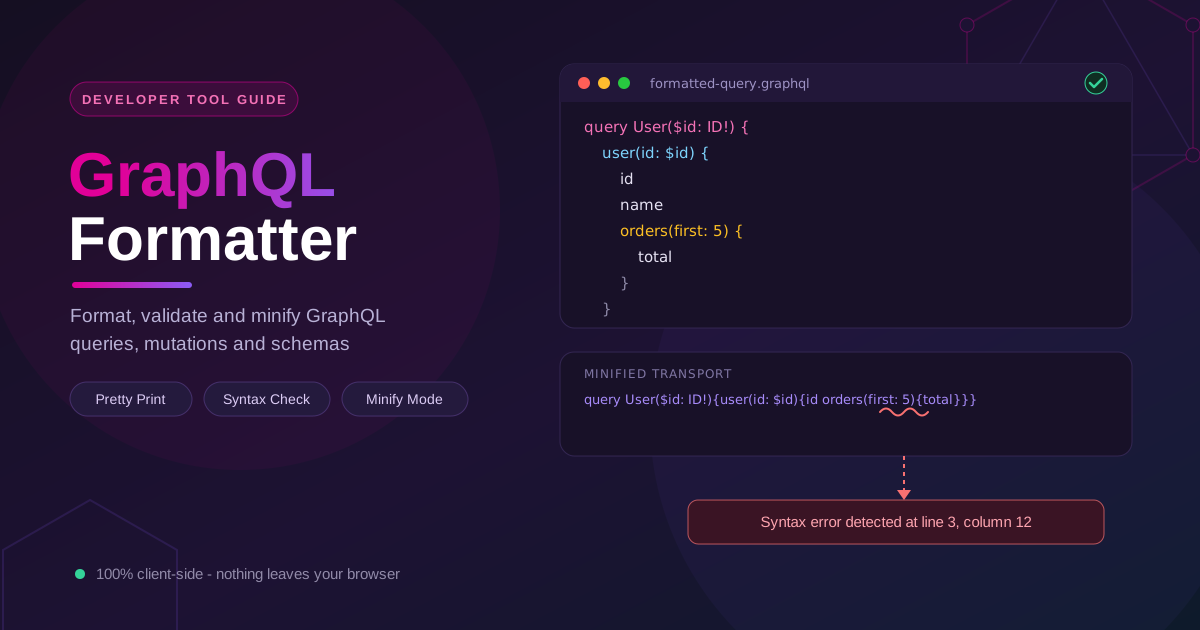
The GraphQL Formatter runs entirely in your browser. Paste any query, mutation, subscription, or SDL schema, and it parses the document, pretty-prints it with your preferred indentation, validates syntax with precise error positions, and minifies it back down for compact transport. Nothing is uploaded to a server — important when your document contains internal field names or customer data.
Why Use the GraphQL Formatter?
- Instant readability for one-line documents. Queries copied from logs, curl commands, or client bundles are almost always minified; the formatter rebuilds them with consistent indentation so every nested selection set is visible at a glance.
- Real syntax validation with positions. A stray comma or unbalanced brace does not just look wrong — the parser reports the error's line and column so you can fix it before the query reaches a server.
- Configurable indentation. Match your codebase conventions so formatted output pastes straight into projects without manual re-indenting.
- Minify mode for compact transport. Strip unnecessary characters to shrink request bodies for mobile clients, persisted queries, or log lines.
- Works with schemas too. The same parser handles SDL documents — types, inputs, interfaces, enums, directives — not just operations.
- Private and instant. All parsing happens client-side in JavaScript — no upload, no account — so sensitive documents stay on your machine.
Key Features
| Feature | What It Does |
|---|---|
| Query and mutation parsing | Reads operations, selection sets, arguments, variables, and fragments |
| Pretty-printing | Rebuilds the document with balanced braces and one field per line |
| Configurable indentation | Choose the indent width that matches your project style |
| Syntax validation | Detects malformed syntax and reports errors with positions |
| Minify mode | Produces a compact single-line document for transport or logging |
| Schema (SDL) support | Formats type definitions, inputs, enums, and directives |
| Client-side processing | Everything runs in the browser; documents never leave your machine |
- Single-pass parse-then-format. Formatting and validation happen together, so you never get silently mangled output.
- Lossless minification. Only whitespace the GraphQL specification does not require is removed, keeping the result semantically identical to the input.
- Stateless and instant. Paste, format, copy, and move on in seconds — nothing is stored between visits.
How to Use
- Open the tool. Navigate to the GraphQL Formatter — it loads instantly on desktop and mobile.
- Paste your document. Drop the minified query from your log, terminal, or source file into the input editor — operations or SDL schema definitions both work.
- Choose your indentation. Pick the indent width that matches your codebase so output pastes straight into your project.
- Format and validate. Run the formatter to pretty-print the document. If the parser reports a syntax error, fix the line and column it names and run it again.
- Copy the result. Copy the formatted document for review or documentation, or switch to minify mode first for the most compact form.
Why Format Queries at All
Readability is the whole point of the query language. GraphQL was designed so a request reads like the shape of the data it returns, which only pays off when the document is laid out properly: one field per line, selection sets indented under their parents, arguments where expected. In code review, a formatted query shows in seconds which fields were added or removed; in a diff, each changed field lands on its own line, keeping pull requests small and reviewable instead of one rewritten mega-line.
Validation catches errors before runtime does. A query with an unbalanced brace or a missing comma fails at parse time on the server, often with a cryptic message and a wasted round trip. Validating locally with exact line and column reporting means a typo costs seconds instead of a deploy cycle.
Minification matters where every byte counts. Mobile clients pay for every kilobyte in request bodies, latency, and battery. Stripping insignificant whitespace from a large query routinely saves a meaningful share of its size with zero semantic change, and a minified operation fits on one log line instead of scrolling across twenty.
Schemas deserve the same treatment. SDL documents — type definitions, inputs, enums, interfaces — suffer the same copy-paste mangling. A formatted schema is easier to navigate when checking whether a field takes an input type or an enum, and consistent layout speeds up schema reviews.
Here is what the difference looks like in practice. A query as it often arrives:
query OrderHistory($id: ID!) {
  user(id: $id) {
    name
    email
    orders(first: 10) {
      createdAt
      total
      items {
        product {
          name
          price
        }
        quantity
      }
    }
  }
}
And the same query after formatting:
query OrderHistory($id: ID!) {
  user(id: $id) {
    name
    email
    orders(first: 10) {
      createdAt
      total
      items {
        product {
          name
          price
        }
        quantity
      }
    }
  }
}
Same semantics, completely different reading experience.
Practical Use Cases
Debugging API Responses in Logs
When an operation fails in production, the first artifact is usually the logged request body. Pasting it into the formatter reveals its structure immediately, and a validation pass tells you whether the failure is a syntax problem in the query itself.
Code Review Diffs
Before committing a query to your repository, format it. Reviewers see field-level changes on individual lines, and diff tooling highlights exactly what moved — a one-character brace fix now touches one line instead of rewriting forty.
Persisted Query Size Reduction
Persisted or pre-registered queries are stored as files or database rows. Minifying before storage reduces the artifact, and smaller runtime payloads benefit clients on constrained networks.
Schema Documentation
Formatting your SDL schema is the cheapest form of documentation. A cleanly indented schema doubles as a readable reference for developers discovering the API and makes the inevitable schema diffs easy to follow.
Best Practices
- Format in CI, not by hand. Add a formatting check to your pipeline so every committed query and schema stays consistently styled.
- Minify only at transport. Keep readable documents in your repository and minify at build time or just before sending — never commit minified operations as your source of truth.
- Keep fragments formatted too. Fragments are documents in their own right; run them through the same pass so they stay scannable.
- Validate before shipping. Run a syntax check before pasting a hand-edited query into code or a dashboard — catching a misplaced brace locally is always cheaper than a failed request in staging.
- Match your team's indentation convention. Agree on one indent width for all GraphQL files so formatted output blends in without noisy re-indents.
- Treat minified output as disposable. Minification is lossless, so you can always regenerate it — never archive the compact form where only the pretty form should live.
Start Formatting Your GraphQL Today
If you have ever squinted at a one-line query in a log or shipped a typo a two-second validation pass would have caught, the GraphQL Formatter belongs in your bookmarks bar. Paste, pick your indentation, validate, and copy clean output — all in your browser. Pair it with the JSON Formatter when you need to inspect the response payloads.
Related Tools You Might Like:
- JSON Formatter — pretty-print and validate the JSON responses your GraphQL queries produce
- XML Formatter — format and validate XML documents and configs
- SQL Formatter — pretty-print SQL queries with the same care you give your GraphQL
Happy formatting!
Frequently Asked Questions
Q: Is the GraphQL Formatter free to use? A: Yes — completely free, no account required, and no usage limits.
Q: Does my query get uploaded to a server? A: No. Parsing, formatting, validation, and minification happen entirely in your browser — the document never leaves your machine.
Q: Can it format GraphQL schemas, not just queries? A: Yes. It handles SDL documents including type definitions, inputs, interfaces, and enums, plus queries, mutations, and subscriptions.
Q: Does minifying a query change what it does? A: No. Minification removes only whitespace the specification does not require, so the document stays semantically identical to the original.