handwriting-worksheet-generator: Complete Online Guide, Features & Practical Examples
Learn how to use the free handwriting-worksheet-generator in your browser with step-by-step instructions, practical use cases, and expert tips.
Free Interactive Tool
Handwriting Worksheet Generator
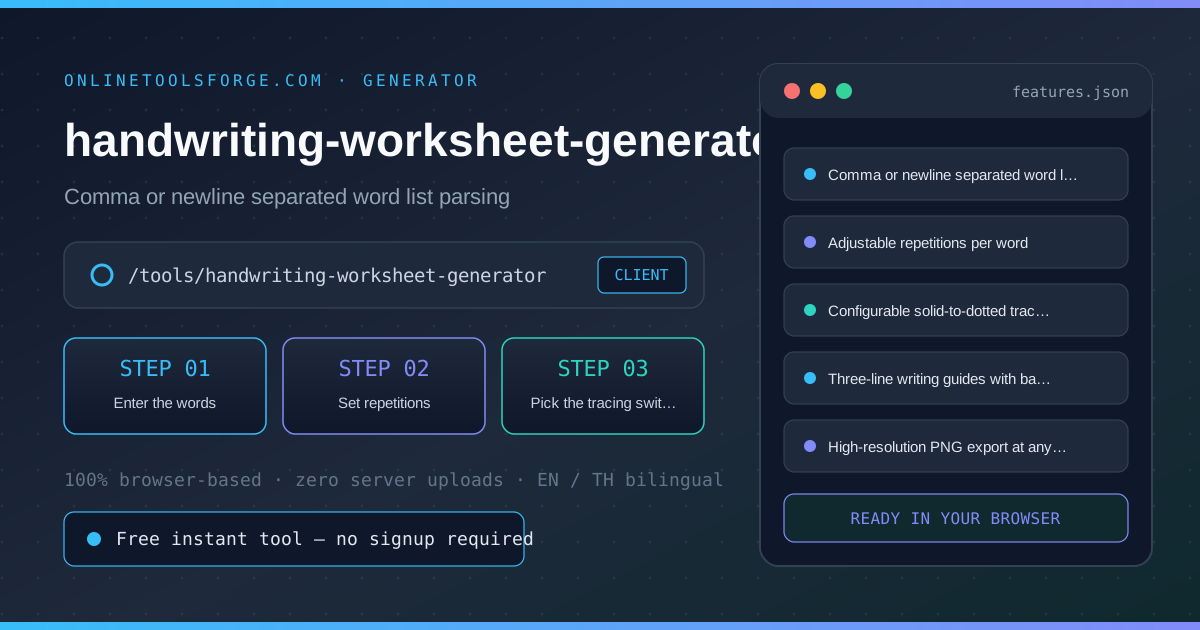
Create handwriting practice worksheets from a word list: solid model rows followed by dotted tracing rows on three-line guides, with adjustable size and repetitions, exported as a printable PNG, all client-side.
Table of Contents
The Handwriting Worksheet Generator turns a list of words into printable practice rows: each word appears once as a solid model followed by dotted tracing rows on three-line guides. Adjust repetitions, where the switch to dotted tracing happens, and the letter size to match the writer's level. The whole sheet renders in your browser and exports as a PNG sized for standard paper — no templates, no watermark, no data leaving the page.
Whether you are double-checking numbers on a deadline, validating edge cases, or standardizing a repeatable workflow, the handwriting-worksheet-generator gives you an interactive, zero-install workspace directly in your browser. Every calculation and transformation runs locally on your device — no account registration, no paywalls, and no sensitive inputs uploaded to external servers.
In this guide, we walk through why dedicated tooling beats manual back-of-the-envelope work, explore every feature inside the interface, and cover step-by-step instructions alongside real-world scenarios.
Why Use handwriting-worksheet-generator?
- Immediate Clarity: Personalized sheets from any word list in seconds.
- Focused Workflow: Solid-then-dotted rows scaffold copying into tracing.
- Transparent Logic: Three-line guides teach heights and baselines.
- Practical Accuracy: Adjustable letter size for every skill level.
- Time-Saving Defaults: Works offline — ready at home or in class.
- 100% Client-Side Privacy: Every operation executes inside your browser session, keeping your data private and responsive even on slow connections.
Key Features
| Feature Area | What It Delivers | Execution Mode |
|---|---|---|
| Capability 1 | Comma or newline separated word list parsing | Instant browser execution |
| Capability 2 | Adjustable repetitions per word | Instant browser execution |
| Capability 3 | Configurable solid-to-dotted tracing switch | Instant browser execution |
| Capability 4 | Three-line writing guides with baseline | Instant browser execution |
| Capability 5 | High-resolution PNG export at any letter size | Instant browser execution |
- Interactive Feedback: Results recalculate on the fly as you adjust inputs, letting you compare multiple scenarios in seconds.
- Bilingual Interface: Switch seamlessly between English and Thai labels whenever you collaborate across multilingual teams.
- Copy & Export Ready: Grab formatted outputs or summaries with one click so you can paste them straight into docs, tickets, or spreadsheets.
How to Use handwriting-worksheet-generator
From a word list to a printable practice sheet in four steps.
- Open the Tool: Head to the handwriting-worksheet-generator in any modern desktop or mobile browser.
- Enter the words: Type or paste the words, separated by commas or new lines — spelling words, family names or vocabulary all work.
- Set repetitions: Choose how many rows each word gets. Three is typical: one solid model followed by tracing rows.
- Pick the tracing switch: Set how many solid rows appear before the dotted tracing rows — zero makes everything dotted for beginners.
- Size and download: Adjust the letter size for the writer, then download the PNG and print it at 100 percent scale for correct guide proportions.
Core Concepts & How It Works
Understanding the underlying mechanics helps you interpret the output with confidence. The Handwriting Worksheet Generator turns a list of words into printable practice rows: each word appears once as a solid model followed by dotted tracing rows on three-line guides. Adjust repetitions, where the switch to dotted tracing happens, and the letter size to match the writer's level. The whole sheet renders in your browser and exports as a PNG sized for standard paper — no templates, no watermark, no data leaving the page.
Instead of hiding assumptions behind a single opaque result, the handwriting-worksheet-generator surfaces intermediate values and clear labels so you can audit how the final answer is assembled:
- Explicit Input Validation: Boundaries and unit expectations are checked immediately, preventing silent NaN or unit-mismatch bugs.
- Deterministic Output: Given the same inputs, the tool produces identical, reproducible results every time — ideal for team reviews and documentation.
- Edge-Case Visibility: Built-in warnings highlight when inputs approach practical limits or require special interpretation.
Practical Use Cases
1. Weekly spelling word practice for school
When tackling weekly spelling word practice for school, manual spreadsheets and ad-hoc scripts often introduce rounding errors or inconsistent assumptions. With the handwriting-worksheet-generator, you can load your exact parameters, inspect the breakdown immediately, and verify how each variable affects the outcome before committing to a decision.
2. Name tracing sheets for preschoolers
When tackling name tracing sheets for preschoolers, manual spreadsheets and ad-hoc scripts often introduce rounding errors or inconsistent assumptions. With the handwriting-worksheet-generator, you can load your exact parameters, inspect the breakdown immediately, and verify how each variable affects the outcome before committing to a decision.
3. Vocabulary reinforcement for language learners
When tackling vocabulary reinforcement for language learners, manual spreadsheets and ad-hoc scripts often introduce rounding errors or inconsistent assumptions. With the handwriting-worksheet-generator, you can load your exact parameters, inspect the breakdown immediately, and verify how each variable affects the outcome before committing to a decision.
4. Occupational therapy handwriting exercises
When tackling occupational therapy handwriting exercises, manual spreadsheets and ad-hoc scripts often introduce rounding errors or inconsistent assumptions. With the handwriting-worksheet-generator, you can load your exact parameters, inspect the breakdown immediately, and verify how each variable affects the outcome before committing to a decision.
5. Extra at-home practice matched to classroom lessons
When tackling extra at-home practice matched to classroom lessons, manual spreadsheets and ad-hoc scripts often introduce rounding errors or inconsistent assumptions. With the handwriting-worksheet-generator, you can load your exact parameters, inspect the breakdown immediately, and verify how each variable affects the outcome before committing to a decision.
Best Practices
- Start with realistic baseline values before testing extreme edge cases so you have a clear reference point to compare against.
- Verify units and formatting on every input field — many discrepancies come from mixing percentages, decimals, or measurement units.
- Test sensitivity by changing one variable at a time in the handwriting-worksheet-generator to see which input has the largest impact on your result.
- Document your assumptions alongside the exported output so teammates can reproduce the exact state later.
- Pair with companion utilities in the same category when your workflow spans multiple conversion or validation steps.
Frequently Asked Questions
Q: What does the printed sheet look like? A: Each word gets its own row on three-line writing guides: the first repetition is a solid model to copy, and the following rows switch to dotted tracing text based on your setting. A high-resolution PNG sized for standard paper is generated locally.
Q: Can I make fully dotted sheets for beginners? A: Yes — set the solid rows to zero. Every repetition becomes dotted tracing text, which suits first writers still learning letter shapes; keep one solid model if they need a reference.
Q: Will the printed letters match the preview? A: The PNG renders at the exact letter size you chose, so printing at 100 percent scale (no fit-to-page) reproduces the preview proportions and the three-line guides accurately.
Q: Which fonts does the worksheet use? A: The generator uses your browser handwriting-style cursive fallback fonts, so the exact look varies slightly by system. The row structure, guides and dotted tracing stay consistent everywhere.
Try handwriting-worksheet-generator Today
Ready to streamline your workflow? Open the handwriting-worksheet-generator now to run instant, accurate calculations right in your browser — completely free and with zero setup required.
Related Tools You Might Like
Happy building and calculating!