npm Package Comparator: Choose the Right JavaScript Package Every Time
Learn how npm Package Comparator helps you evaluate JavaScript packages head-to-head with live data on downloads, bundle size, dependencies, and maintenance signals.
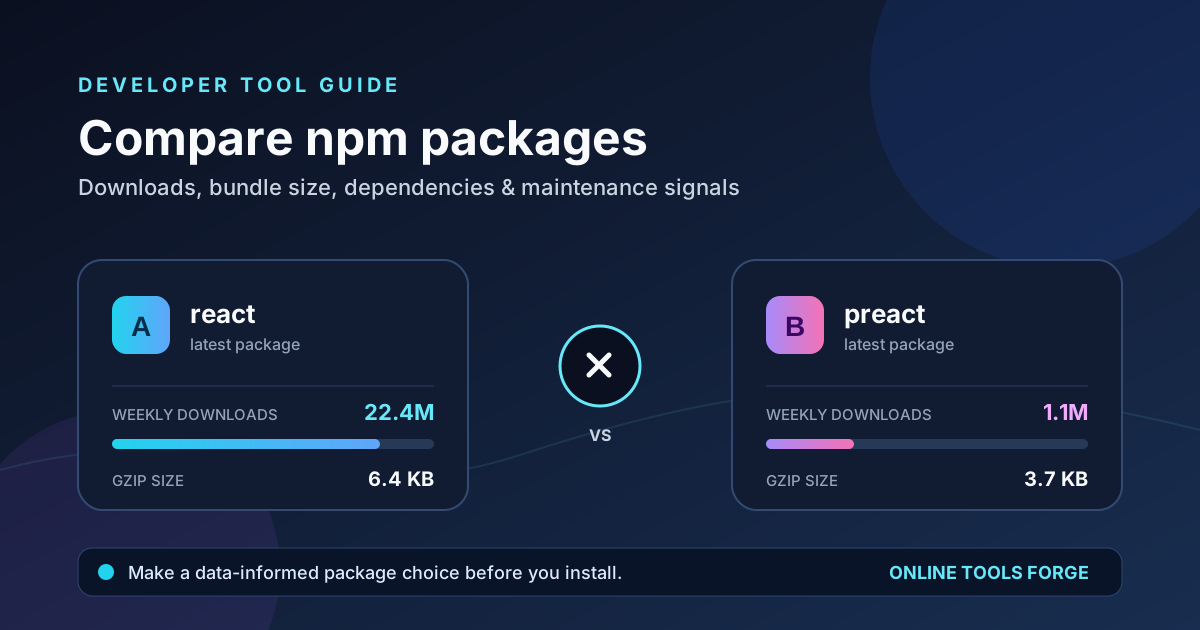
Table of Contents
Every JavaScript project eventually faces the same question: which package should we depend on? Two libraries can solve the same problem while differing wildly in bundle size, dependency depth, release cadence, and community traction. Reading READMEs and skimming GitHub stars only tells part of the story. The npm Package Comparator puts the hard numbers side by side so you can make the call in seconds, not hours.
The tool fetches live data straight from public sources — the npm registry, npm's downloads API, and Bundlephobia — and lays everything out in a clean head-to-head view. Downloads, gzip bundle size, dependency counts, publish dates, maintainer counts, licenses, and TypeScript support all appear in parallel columns, with the better value highlighted automatically.
Whether you are picking a utility library for a side project or vetting a framework-level dependency for a product used by millions, this guide walks you through what the comparator measures, how to read each metric, and how to turn the results into confident engineering decisions.
Why Use npm Package Comparator?
- Side-by-side objectivity. Instead of bouncing between npm pages, GitHub repos, and Bundlephobia tabs, you get every relevant metric in one comparison view with the better value highlighted.
- Live, up-to-date numbers. Data is pulled from the npm registry, npm downloads API, and Bundlephobia at query time, so you are looking at the current state of each package — not a months-old blog post.
- Bundle size awareness. Gzip and minified sizes come from Bundlephobia, helping you catch heavy dependencies before they ship to your users.
- Maintenance signals at a glance. Latest publish date, maintainer count, and dependency count reveal whether a project is actively cared for or quietly abandoned.
- Quick comparisons for classic rivalries. One-click presets like react vs vue, moment vs dayjs, and express vs fastify let you explore well-known matchups instantly.
- Zero setup. No installs, no API keys, no configuration — type two package names and get an answer.
Key Features
| Feature | What It Shows | Why It Matters |
|---|---|---|
| Download stats | Last-week downloads from npm's downloads API | A proxy for real-world adoption and ecosystem trust |
| Bundle size | Minified and gzip sizes via Bundlephobia | Direct impact on page load and Core Web Vitals |
| Dependency count | Number of direct dependencies | Fewer dependencies usually means less supply-chain surface area |
| Latest publish date | Most recent release on the npm registry | Indicates whether the package is actively maintained |
| Maintainer count | Number of package maintainers | Bus-factor insight — one maintainer can be a risk |
| License | SPDX license identifier | Compatibility with your project's legal requirements |
| TypeScript support | Whether types are included | Better DX and fewer @types/* surprises |
| Links | npm page and homepage URLs | Fast path to docs, issues, and source code |
- Smart highlighting. For every numeric metric, the comparator highlights the better value — and it knows direction matters: for gzip size and dependency count, lower is better, while higher downloads generally indicate broader adoption.
- Quick comparison presets. Common rivalries such as lodash vs underscore, axios vs fetch, and moment vs dayjs are one click away, perfect for demos, teaching, or settling team debates.
- Descriptions included. Each package's npm description appears alongside its stats, so you can confirm both packages actually solve the same problem before comparing numbers.
How to Use
- Open the tool. Navigate to the npm Package Comparator in your browser.
- Enter two package names. Type any two valid npm package names into the input fields — for example, dayjs and moment. Names must exist on the npm registry, or the lookup will fail.
- Or pick a quick comparison. Choose one of the built-in presets (react vs vue, lodash vs underscore, axios vs fetch, moment vs dayjs, express vs fastify) to load a matchup instantly.
- Review the comparison. The tool fetches live metadata, downloads, and bundle sizes, then displays both packages side by side with the better numeric value highlighted.
- Dig deeper. Follow the npm and homepage links to inspect documentation, open issues, and review the source before you commit to the dependency.
Understanding Package Comparison
Raw numbers only help if you know what they imply. Here is how to read each metric the comparator surfaces.
Downloads measure adoption, not quality. Last-week downloads from npm's downloads API show how widely a package is used. High download counts suggest battle-tested code and abundant community answers, but downloads alone never prove a package is well-built — legacy packages keep getting downloaded long after better alternatives appear. Treat downloads as one input, not the verdict.
Bundle size is a user-facing cost. Bundlephobia reports minified and gzip sizes, which approximate what a package adds to your JavaScript payload. In browser-facing apps, a few extra kilobytes per dependency compound quickly. Note that tree-shaking can reduce the real cost for ESM-friendly libraries, so treat Bundlephobia figures as an upper bound.
Dependency count is risk surface. Every direct dependency brings its own transitive tree, its own maintainers, and its own potential vulnerabilities. All else equal, a package with fewer dependencies is simpler to audit and less likely to break on upstream changes. That is why the comparator highlights the lower dependency count as better.
Publish date and maintainer count signal health. A recent publish date suggests active maintenance; a package untouched for years may still work, but it will not receive fixes for new runtime versions or security issues. Maintainer count hints at the bus factor — a single-maintainer package is a real continuity risk for critical infrastructure. Again, neither number alone proves quality; combine them with issue activity and release notes.
License and TypeScript support are practical gates. An incompatible license can be a legal blocker, and missing type definitions add friction in typed codebases. These fields often decide a matchup faster than any chart.
Practical Use Cases
Choosing a date library for a new frontend
You are starting a React dashboard and need date handling. Compare moment and dayjs with one click. The comparator shows dayjs's dramatically smaller gzip footprint and moment's maintenance-mode status, while moment still posts huge download numbers from legacy projects. For a new build, the size and maintenance signals point clearly — a textbook case of why downloads should not be the deciding metric.
Picking an HTTP client
Your team debates axios versus native fetch (often via a wrapper package). Running the comparison surfaces bundle size differences and dependency counts: a wrapper with zero or one dependency may beat a heavier client for a size-sensitive app, while axios's download numbers reflect its entrenched position in enterprise codebases. The side-by-side view gives both camps the same facts to argue from.
Evaluating server frameworks
For a new API service, compare express and fastify. Downloads show Express's decade-long dominance; publish dates and descriptions reveal Fastify's active performance-focused development. Pair the comparator's numbers with your own benchmarks to make a defensible architecture choice.
Settling utility-library debates
lodash versus underscore is a classic. The comparison exposes differences in maintenance cadence and modularization that READMEs gloss over — useful evidence when standardizing utilities across a monorepo.
Best Practices
- Compare packages that solve the same problem first. Read both descriptions in the results to confirm functional overlap before weighing metrics.
- Weight metrics by context. Bundle size dominates for browser apps; maintenance signals matter more for long-lived backend services.
- Never judge by a single number. Downloads, size, and maintainer counts are indicators — combine them with issue responsiveness, documentation quality, and release notes.
- Check the license early. Catching an incompatible license before adoption saves painful migrations later.
- Re-run comparisons periodically. Because the tool uses live data, a matchup can flip after a major release — re-check before large upgrades.
- Verify names exactly. npm package names are case- and scope-sensitive; invalid names simply will not resolve.
Ready to Make Confident Dependency Choices?
Stop guessing and start comparing. Open the npm Package Comparator, type two package names — or pick a classic rivalry — and get live downloads, bundle sizes, dependency counts, and maintenance signals in one clean view. Every dependency you add is a long-term commitment; make each one with evidence behind it.
Related Tools You Might Like:
Happy comparing!