Security TXT Generator: Publish an RFC 9116 security.txt File the Right Way
Learn how to generate a standards-compliant RFC 9116 security.txt file for /.well-known/security.txt with contact, encryption, policy and expiry fields — free, private and entirely in your browser.
Free Interactive Tool
security.txt Generator
Generate an RFC 9116 security.txt file for your domain with contacts, encryption key, policy, and expiry fields.
Table of Contents
It is 2 a.m. A security researcher has just found a genuine vulnerability in your web application. They want to do the right thing and report it responsibly — but first they need to know who to tell. They check your site for a security contact page, find nothing, glance at the root for a security.txt file, and come up empty. Now they have three options: dig through your DNS records and WHOIS data hoping to find a reachable human, say nothing and move on, or post about it publicly. A small text file at a well-known location turns that coin flip into a one-minute email. That is exactly what the free Security TXT Generator creates for you.
security.txt is an internet standard, formalized as RFC 9116, that defines a machine-readable file describing how to report security issues for a domain. It lives at /.well-known/security.txt (with a fallback at /security.txt), and tools, scanners and researchers increasingly look for it automatically. Despite being trivially easy to publish, it is still missing from the vast majority of websites — including many operated by organizations that would absolutely want that 2 a.m. report.
In this guide we will cover why the file matters, walk through every RFC 9116 field the generator supports, show how to fill in the form and host the result, and finish with practical use cases and best practices.
Why Use the Security TXT Generator?
- Gives researchers one unambiguous way to reach you. A Contact line pointing at a monitored inbox removes all guesswork from responsible disclosure. Instead of tweeting at your support account or filing a public issue, the researcher emails the right address and your team triages the report properly.
- Standards-compliant RFC 9116 output. The tool emits one Field: value pair per line in the exact syntax the RFC defines, so automated parsers, vulnerability scanners and bug bounty platforms can read your file without choking on formatting mistakes.
- Required fields are validated. RFC 9116 makes Contact and Expires mandatory, and they are the two fields people most often forget. The generator flags a missing contact or expiry before you ever copy the output, so you never publish an invalid file.
- Covers the modern fields, not just the basics. Beyond Contact, Encryption, Policy and Expires, the form supports Preferred-Languages, Canonical, Acknowledgments, Hiring and CSAF — the full surface of the standard, including the newer machine-readable advisory link.
- 100% client-side and private. Everything runs in your browser. Your security contacts, domain names and policy URLs never touch a server, which is a nice property for a security tool to have.
- Free, instant and copy-ready. No account, no setup, no template files to hunt down. Fill in the fields, click copy or download, and deploy.
Key Features
| Field | Purpose | Example value |
|---|---|---|
| Contact | Where reports should go (required, repeatable) | mailto:[email protected] |
| Expires | Date after which the file is stale (required) | 2027-01-01T23:59:59.000Z |
| Encryption | Link to your PGP key or encryption key page | https://example.com/pgp.txt |
| Policy | Link to your disclosure policy document | https://example.com/security/vdp |
| Preferred-Languages | Languages your team can respond in | en, th |
| Canonical | Canonical URL of the file itself | https://example.com/.well-known/security.txt |
| Acknowledgments | Page thanking past reporters | https://example.com/security/thanks |
| Hiring | Link to security jobs at your organization | https://example.com/jobs |
| CSAF | Link to machine-readable security advisories | https://example.com/advisories/csaf |
A few details worth calling out:
- Multiple Contact entries are allowed and encouraged. You can list a mailto: address, an HTTPS web form, and a phone number URI in the same file so researchers can pick whichever channel they trust.
- The Expires value is written as a full ISO 8601 timestamp. Enter a date in the form and the tool emits the complete T23:59:59.000Z form the RFC expects, saving you a common syntax error.
- Comments are preserved. Lines starting with # are valid in the standard, so you can annotate the file for human readers while parsers ignore them.
How to Use
- Open the Security TXT Generator and start with the Contact field. Enter your security inbox email and the tool renders it as mailto:[email protected]; add an HTTPS contact URL or web form as additional entries if you have them.
- Fill in the supporting fields: the link to your disclosure Policy page, your Encryption key location, the Preferred-Languages your team can handle, and any of the optional fields such as Canonical, Acknowledgments, Hiring or CSAF that apply to you.
- Set the Expires date. Pick something realistic — a year out is a common convention — and note it in your calendar, because the tool will append the full timestamp format for you.
- Click the copy button (or download the file) and deploy it at both /.well-known/security.txt and /security.txt on your domain, served over HTTPS. The well-known path is the one scanners check first; the root fallback catches the rest.
- Verify publicly. Fetch the URL from outside your network with a browser or curl, confirm the content-type is text/plain, and run it through a security.txt checker to confirm every line parses cleanly.
RFC 9116 Field by Field
Contact — the only field that truly matters. This required field tells reporters where to send findings. The RFC allows two URI schemes in practice: mailto: for email and https: for a web form. A monitored mailbox such as mailto:[email protected] is the classic choice; a https://example.com/security-contact form works well when you need ticket intake. Listing several Contact entries is fine and often wise, since corporate mail filters sometimes eat mail from unknown senders. If the researcher cannot reach a human, every other field is decoration.
Expires — required, and the field everyone forgets. RFC 9116 deliberately requires an expiry date so that stale files do not linger forever. A security.txt pointing at an abandoned mailbox from a departed employee is worse than no file at all, because it quietly sends reports into a void. The standard forces you to promise that the file is current, and the community treats an expired file as a strong signal that nobody is listening. Set a realistic date, put a renewal reminder in your team calendar, and update the file each year. The generator makes this a ten-second task.
Policy and Encryption. The Policy field links to your vulnerability disclosure policy — the document that says what is in scope, how long you take to respond, and whether you offer safe harbor for good-faith research. Linking it means the researcher reads the rules before testing further, which protects both sides. The Encryption field points at your PGP public key so the researcher can encrypt sensitive findings, keeping exploit details out of plaintext email.
Preferred-Languages, and the rest of the family. Preferred-Languages lists ISO 639-1 codes for languages your team can respond in — valuable for organizations serving multilingual users. Canonical states the canonical URL of the file to guard against conflicting copies. Acknowledgments links to a hall of fame that keeps researchers motivated. Hiring lets you advertise security roles. CSAF points at Common Security Advisory Framework documents for organizations that publish machine-readable advisories.
Signing the file. Anyone can write a file to any domain they control, but a security.txt signed with your PGP key lets researchers confirm the contacts are genuinely yours. Sign a copy with a cleartext PGP signature, publish it alongside the plain file, and reference your public key in the Encryption field. It is optional, but it is the difference between "somebody said so" and "cryptographically attested".
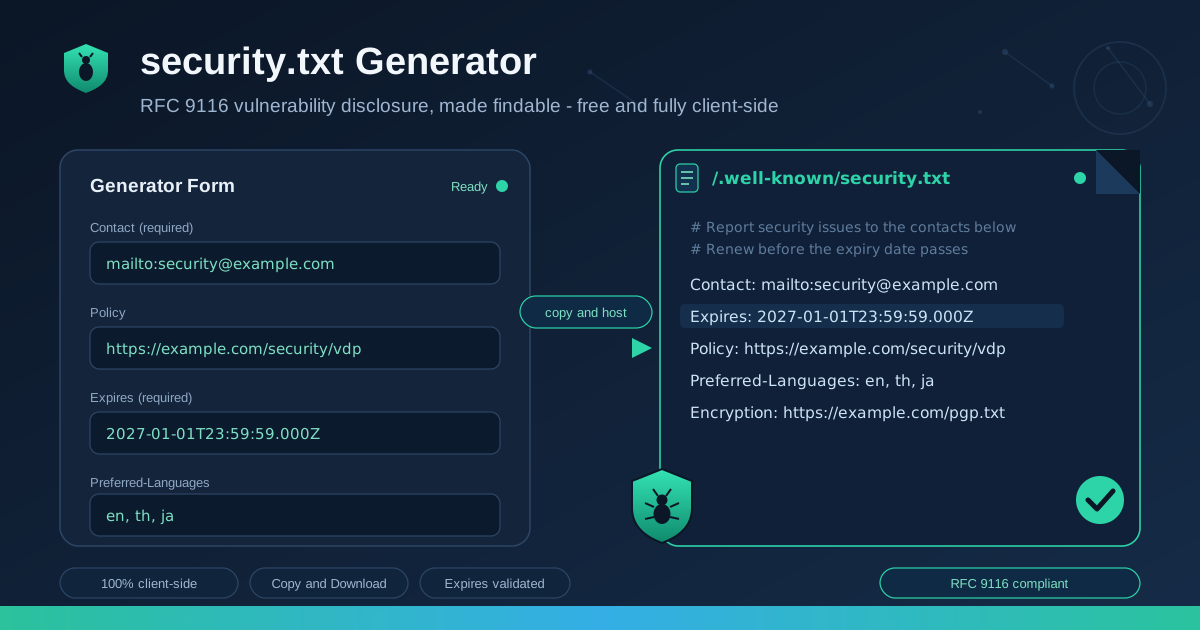
Here is a complete, annotated example produced by the generator:
# How to reach us and how we handle reports
Contact: mailto:[email protected]
Contact: https://example.com/security-contact
Encryption: https://example.com/pgp-key.txt
Preferred-Languages: en, th
Policy: https://example.com/security/vulnerability-disclosure
Canonical: https://example.com/.well-known/security.txt
Expires: 2027-01-01T23:59:59.000Z
Practical Use Cases
SaaS products
A SaaS application is a dense attack surface: multi-tenant data, APIs, billing flows. Publishing a security.txt with a clear policy link tells pentesters and customers exactly how to report what they find, and an Acknowledgments page turns one-off reporters into long-term allies. It also signals maturity during enterprise security reviews, where buyers increasingly check for a disclosure channel.
Corporate and marketing sites
Marketing sites rarely have a security engineer on staff, which is precisely why they need the file — a researcher who finds an XSS in your contact form has no idea that reports should go to the IT team two departments away. A security.txt with one monitored mailbox closes that gap, and the Preferred-Languages field helps when the site serves several regions.
Open-source project sites
Open-source projects live and die by good-faith contributions, yet many publish no security contact at all, leaving GitHub issues as the only option — a terrible channel for an unpatched critical bug. A security.txt hosted on the project site with a private reporting address, plus a disclosure policy in the repository, gives maintainers a fighting chance to ship a fix before the details go public.
Government and public-sector portals
Government portals handle sensitive citizen data and are favorite targets of security researchers who cannot otherwise find a legitimate contact route. Many national CERT programs explicitly ask agencies to publish security.txt, and some procurement processes now check for it. An Expires date that is actively renewed also demonstrates operational ownership of the portal's security.
Best Practices
- Point Contact at a monitored inbox. A shared alias like security@ reviewed by more than one person beats an individual address that dies with a job change. Test it by emailing yourself from a personal account.
- Set a realistic expiry and actually renew it. One year is a sane default. Add a recurring calendar reminder a month before the date; an expired file tells researchers nobody is home.
- Serve the file over HTTPS at both locations. Publish at /.well-known/security.txt and mirror it at /security.txt, with content-type text/plain. An HTTP-only file undermines the trust the whole scheme depends on.
- Test the URL publicly after deploying. Fetch it from outside your corporate network — proxies and internal DNS have a way of showing green inside and 404 outside.
- Keep the Policy page in sync with reality. If the file promises a 72-hour response and the inbox sits unattended for three weeks, you are worse off than without the file.
- Consider PGP signing for high-value domains. A signature proves the contacts were published by the domain owner, not an attacker who briefly compromised a subdomain.
Generate Your security.txt Today
The most expensive vulnerability report is the one that never reached you. Set up your disclosure channel in the next ten minutes: open the Security TXT Generator, fill in your contact and expiry, copy the file, and deploy it to /.well-known/security.txt. When the next researcher finds something at 2 a.m., they will know exactly where to knock.
Related Tools You Might Like
- Security Headers Generator — configure CSP, HSTS and the full OWASP header set, then export ready-to-paste configs for popular web servers.
- CSP Generator — build a precise Content-Security-Policy that blocks injected scripts, the vulnerability class researchers report most often.
- PII Redactor — strip names, emails and identifiers from logs and reports before you share vulnerability details with third parties.
May every report land in the right inbox.
Frequently Asked Questions
Q: Where exactly should the security.txt file be hosted?
A: RFC 9116 says the primary location is /.well-known/security.txt on the root of your domain — not inside a subdirectory. The RFC also permits a fallback copy at /security.txt. Publishing in both places maximizes compatibility, since different tools check different paths, and the file must be served over HTTPS as text/plain.
Q: Is security.txt only useful for large companies?
A: No. Anyone who operates a domain benefits: startups, agencies, open-source projects, personal sites and government portals. Researchers do not calibrate their responsible disclosure by company size — they look for a contact, and the file is the standardized place they look.
Q: What happens if the Expires date passes without renewal?
A: The file itself keeps being served, but scanners and researchers treat an expired security.txt as unreliable, and some tools flag or ignore it entirely. The expiry exists to prevent stale contacts from silently collecting reports forever. Renew the date on a schedule, and the problem never arises.
Q: Can I list more than one Contact value?
A: Yes, and it is recommended. You can combine a mailto: address, an https: web form and additional mailboxes in a single file, one Contact line each. Order does not imply priority, so include every channel your team actually watches.
Q: Do I need to sign the file with PGP?
A: Signing is optional. It is most valuable for high-profile domains where an attacker might attempt to publish a fraudulent contact file after a compromise. For most sites, serving the file over HTTPS from your own domain is sufficient, but a signature adds cryptographic proof at little cost.