How to Generate Hundreds of QR Codes at Once with the Bulk QR Code Generator
Paste a list of URLs or text, generate one QR code per row, and download the whole batch as a ZIP of PNG files with the free, fully in-browser Bulk QR Code Generator.
Free Interactive Tool
Bulk QR Code Generator
Generate hundreds of QR codes at once from a pasted list of URLs or text, and download them all as a ZIP of PNG files — free, offline, and fully in your browser.
Table of Contents
QR codes quietly connect physical objects to digital destinations: a sticker on a warehouse shelf, a card on a restaurant table, a label on a shipping crate. Each one is a tiny bridge a smartphone can cross in under a second. The problem appears the moment you need more than a handful: making codes one at a time simply does not scale.
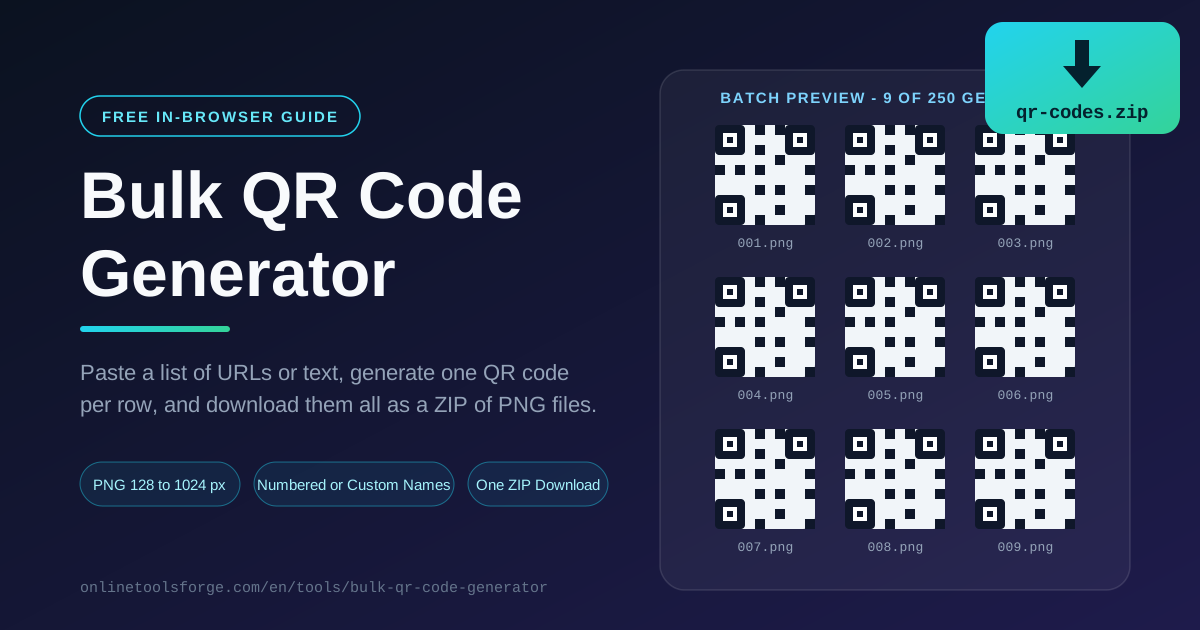
That is exactly the gap the free Bulk QR Code Generator was built to close. Paste a list of URLs or text — one entry per line — and the tool generates one QR code per row automatically. Choose your PNG size, pick numbered or custom filenames, and download the entire batch as a single ZIP archive of PNG files.
Everything happens in your browser — no uploads, no accounts, no watermarks, no per-code fees. Whether you need ten codes for a café or five hundred for an asset rollout, the workflow is identical: paste, configure, generate, download.
Why Use the Bulk QR Code Generator?
- Batch scale without repetitive clicking. One hundred lines pasted in, one hundred codes out, in a few seconds.
- One hundred percent in-browser. Your list never leaves your device — codes are rendered locally with JavaScript, making the tool safe even for internal URLs and confidential asset IDs.
- Configurable PNG output. Pick 128, 256, 512, or 1024 pixels per side (256 px by default), so the same list can produce screen-sized codes or print-resolution masters.
- Numbered or custom filenames. Automatic numbering keeps large batches in order, while custom labels let each file carry a meaningful name such as table-07.png or asset-4482.png.
- A single tidy ZIP. Every code is packed into one qr-codes.zip archive, so there is no folder full of stray downloads to clean up afterwards.
- Free with no limits. No sign-up, no quotas, and no branding baked into the images.
Key Features
| Feature | What It Does |
|---|---|
| List input, one entry per line | Each non-empty row becomes its own QR code |
| PNG size selector | 128, 256, 512, or 1024 px output (default 256 px) |
| Numbered filename mode | Zero-padded indexes so files sort naturally |
| Custom label mode | One filename per row; missing labels fall back to numbers |
| Error correction level | Trade code density against damage tolerance |
| ZIP packaging | The whole batch downloads as one archive |
Three details are worth calling out:
- Sanitized, sortable filenames. Labels are cleaned of characters that break file systems, and zero padding keeps alphabetical order matching your list order.
- Individual rescue downloads. Every preview can also be downloaded on its own, separately from the ZIP.
- Live preview grid. Codes appear as they are generated, so you can spot a bad row before committing to the download.
How to Use
- Open the tool and paste your list. Visit the Bulk QR Code Generator and paste your URLs or text into the input box, one entry per line. Blank lines are skipped, so you can paste straight from a spreadsheet column or CSV export.
- Set the PNG size and error correction. Leave 256 px for on-screen use, or raise it to 512 or 1024 px for print masters, then choose an error correction level (more on that below).
- Choose a filename mode. Numbered mode names files 001, 002, 003 and so on. Custom mode lets you paste matching labels — one per line — such as table-01 through table-40.
- Generate the batch. Click generate and watch the preview grid fill up with one QR code per row of your list.
- Download the ZIP. Press the download button and unpack qr-codes.zip. Inside you will find every PNG, named and ordered exactly as configured.
Bulk QR Codes in the Real World
Batch generation stops being a convenience and becomes infrastructure the moment codes are attached to physical things. Here is where it earns its keep.
Asset tags and inventory. Facilities teams generate one QR per asset ID that deep-links to an asset record — a laptop, a pallet rack, a fire extinguisher. Numbered filenames mirror the asset register: PNG 001 corresponds to row one of your export, so a misprint traces back to its source line in seconds. On durable polyester labels, the codes survive years of warehouse handling.
Event check-in codes. Conferences issue one unique code per ticket, and staff scan badges at the gate instead of searching name lists. Custom labels named after ticket IDs keep badge artwork and code files in one-to-one correspondence, and high error correction keeps codes scannable on lanyards that get bent or scuffed.
Restaurant table menus. A 40-seat café generates table-01.png through table-40.png via custom labels, each pointing to the same menu URL or a table-specific ordering page. Laminated cards survive spills, and replacing one damaged card means reprinting exactly one labeled PNG.
Marketing and SKU labeling. Product packaging, shelf talkers, and direct mail often carry one code per SKU or campaign landing page, frequently with UTM parameters for attribution. Filenames that include the campaign name matter enormously when a designer receives three hundred PNGs and must place the right code on the right artwork.
Naming conventions that keep files findable. Six months after a batch is generated, IMG_2231.png tells nobody anything. Adopt three rules: zero-pad numbers so 002 sorts before 010; put the meaningful name in the filename itself, such as cafe-table-07; and keep the original text list saved next to each ZIP. Custom label mode with automatic number fallback exists precisely for this.
Print sizing: pixels versus physical size. A PNG's pixel dimensions do not decide its printed size — print DPI does. At 300 DPI, a 256 px code prints about 2.2 cm (0.85 in) wide, suiting product labels and table cards; 1024 px prints about 8.6 cm, comfortable for posters read from a metre away. Pair size with error correction: level L recovers roughly 7 percent damage, M about 15, Q about 25, and H up to 30 — anything printed small or exposed to weather deserves Q or H. Density matters too: longer URLs pack in more modules, so the same physical size becomes harder to scan — one more reason to prefer short https URLs.
Practical Use Cases
Warehouse and Asset Management
A facilities team exports 400 asset IDs from its tracking system, pastes them into the generator at 1024 px, and uses asset IDs as custom filenames. The ZIP goes straight to the label printer, and each tag opens the maintenance history page. Total elapsed time: under ten minutes, no scripting required.
Conferences and Trade Shows
Event organizers generate a unique check-in code per attendee and drop each PNG onto a personalized badge template. Files named after ticket IDs mean the print shop can request revisions without cross-referencing spreadsheets.
Hospitality and Menus
A 30-table restaurant generates table-specific codes that open the ordering page with the table number pre-filled. Waitstaff move orders along without re-entering the table, and a damaged card is fixed by reprinting one file.
Product Packaging and Campaigns
An e-commerce brand prints a QR on every insert card that opens a review page — one code per SKU with UTM tags for attribution. When the campaign ends, the filename convention makes it trivial to audit which codes shipped in which packaging batch.
Best Practices
- Test scan before you print anything. Scan one code from the actual printed output, at the actual distance, with a couple of different phones. Ten seconds of testing beats five hundred wasted labels.
- Protect the quiet zone. Keep the white margin around every code — roughly four modules wide. Crowding the edge is the most common cause of scan failures.
- Use https URLs. Scanners and browsers increasingly warn on plain http, and some managed devices block it outright.
- Keep payloads short. Long URLs create denser codes with smaller modules. A short canonical link scans faster and tolerates more damage at the same printed size.
- Match error correction to the environment. Clean indoor surfaces can use M; anything small, worn, or outdoors should use Q or H.
- Archive the source list. Save the exact text you pasted alongside the ZIP so any code can be regenerated or audited later.
Ready to stop generating QR codes one at a time? Open the free Bulk QR Code Generator, paste your list, and download your whole batch as a ZIP of PNG files in under a minute — entirely in your browser.
Related Tools You Might Like:
- WiFi QR Code Generator — turn your network name and password into a scannable join code.
- vCard QR Generator — fit a full contact card into a single code for business cards and email signatures.
- QR Code Designer — customize colors, logos, and shapes when one standout code matters more than one hundred.
Happy batch generating!
Frequently Asked Questions
Q: Is there a limit to how many QR codes I can generate at once? A: No hard limit is enforced. Very large batches — thousands of rows at 1024 px — simply take longer and use more memory, since rendering happens locally. A few hundred codes at 256 or 512 px is comfortably fast on a typical laptop.
Q: Where does my data go when I paste a list? A: Nowhere. The tool runs entirely in your browser; your list is never uploaded to a server, and the ZIP is assembled locally before download.
Q: What PNG size should I choose for printing? A: Match pixels to physical size through DPI. At 300 DPI, a 256 px code prints about 2.2 cm wide, which suits labels and table cards. For posters or codes scanned from a distance, use 512 or 1024 px.