gravel-calculator: Complete Online Guide, Features & Practical Examples
Learn how to use the free gravel-calculator in your browser with step-by-step instructions, practical use cases, and expert tips.
Free Interactive Tool
Gravel Calculator
Compute gravel, crushed stone or sand tonnage and cost from driveway or path area and depth, with material density presets, a compaction allowance and a depth coverage chart. Pure client-side math.
Table of Contents
The Gravel Calculator converts the dimensions and finished depth of a driveway, path or patio base into the volume of aggregate you need, applies a compaction and waste allowance, and converts that into tonnes using typical loose densities for seven common materials. It totals the cost at your price per tonne and includes a coverage chart at 5, 7.5, 10 and 15 centimeter depths, so ordering the right load is a thirty-second job instead of a guess.
Whether you are double-checking numbers on a deadline, validating edge cases, or standardizing a repeatable workflow, the gravel-calculator gives you an interactive, zero-install workspace directly in your browser. Every calculation and transformation runs locally on your device — no account registration, no paywalls, and no sensitive inputs uploaded to external servers.
In this guide, we walk through why dedicated tooling beats manual back-of-the-envelope work, explore every feature inside the interface, and cover step-by-step instructions alongside real-world scenarios.
Why Use gravel-calculator?
- Immediate Clarity: Tonnage for seven aggregates, from pea gravel to MOT Type 1.
- Focused Workflow: Compaction allowance built in so the finished surface stays on target.
- Transparent Logic: Instant cost totals at your own price per tonne.
- Practical Accuracy: Coverage chart compares decorative and structural depths in one pass.
- Time-Saving Defaults: Copyable order summary with material, volume, tonnage and cost.
- 100% Client-Side Privacy: Every operation executes inside your browser session, keeping your data private and responsive even on slow connections.
Key Features
| Feature Area | What It Delivers | Execution Mode |
|---|---|---|
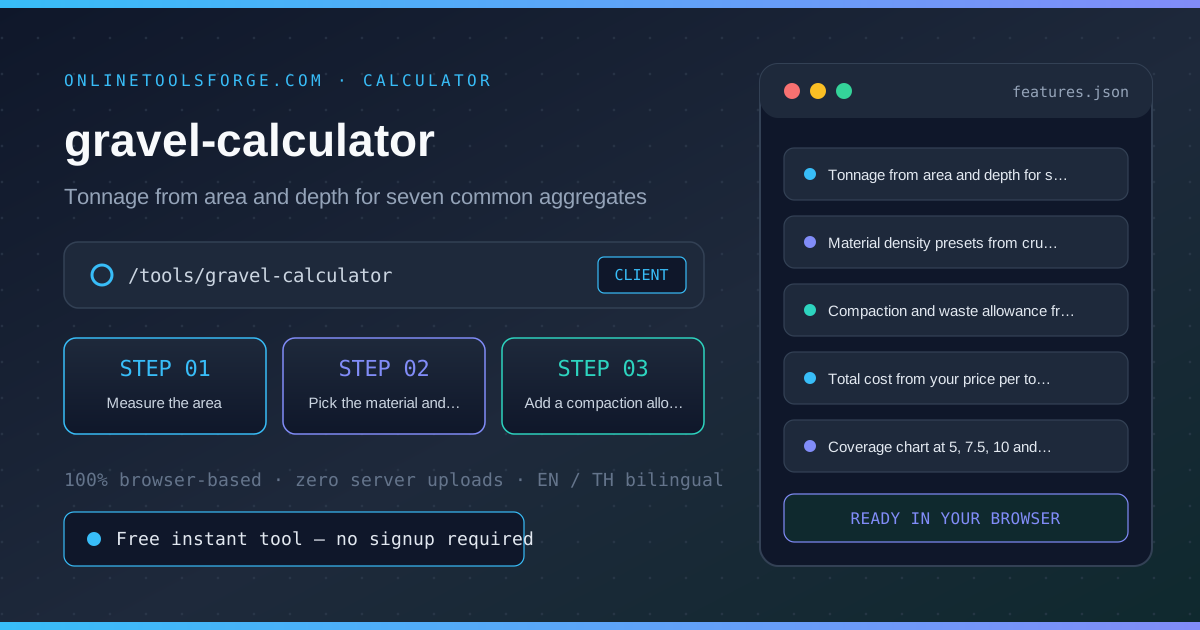
| Capability 1 | Tonnage from area and depth for seven common aggregates | Instant browser execution |
| Capability 2 | Material density presets from crushed stone to MOT Type 1 | Instant browser execution |
| Capability 3 | Compaction and waste allowance from 0 to 50 percent | Instant browser execution |
| Capability 4 | Total cost from your price per tonne, updated as you type | Instant browser execution |
| Capability 5 | Coverage chart at 5, 7.5, 10 and 15 centimeter depths | Instant browser execution |
- Interactive Feedback: Results recalculate on the fly as you adjust inputs, letting you compare multiple scenarios in seconds.
- Bilingual Interface: Switch seamlessly between English and Thai labels whenever you collaborate across multilingual teams.
- Copy & Export Ready: Grab formatted outputs or summaries with one click so you can paste them straight into docs, tickets, or spreadsheets.
How to Use gravel-calculator
From tape-measure numbers to an order in four steps.
- Open the Tool: Head to the gravel-calculator in any modern desktop or mobile browser.
- Measure the area: Enter the length and width in meters. For a curved driveway, split it into rectangles and add the areas, or measure the longest and widest points to stay on the safe side.
- Pick the material and depth: Choose the aggregate you are buying and set the finished depth: 5 centimeters suits decorative cover, 10 to 15 centimeters suits driveways, and sub-base layers run deeper still.
- Add a compaction allowance: Keep 10 percent for foot-traffic paths and driveways, or up to 20 percent over soft or freshly dug ground, so the surface settles onto your target depth rather than below it.
- Price the order: Enter the price per tonne quoted by your supplier for the total cost, then use the coverage chart to compare tonnage at other depths before you commit.
Core Concepts & How It Works
Understanding the underlying mechanics helps you interpret the output with confidence. The Gravel Calculator converts the dimensions and finished depth of a driveway, path or patio base into the volume of aggregate you need, applies a compaction and waste allowance, and converts that into tonnes using typical loose densities for seven common materials. It totals the cost at your price per tonne and includes a coverage chart at 5, 7.5, 10 and 15 centimeter depths, so ordering the right load is a thirty-second job instead of a guess.
Instead of hiding assumptions behind a single opaque result, the gravel-calculator surfaces intermediate values and clear labels so you can audit how the final answer is assembled:
- Explicit Input Validation: Boundaries and unit expectations are checked immediately, preventing silent NaN or unit-mismatch bugs.
- Deterministic Output: Given the same inputs, the tool produces identical, reproducible results every time — ideal for team reviews and documentation.
- Edge-Case Visibility: Built-in warnings highlight when inputs approach practical limits or require special interpretation.
Practical Use Cases
1. Ordering crushed stone for a new driveway or parking area
When tackling ordering crushed stone for a new driveway or parking area, manual spreadsheets and ad-hoc scripts often introduce rounding errors or inconsistent assumptions. With the gravel-calculator, you can load your exact parameters, inspect the breakdown immediately, and verify how each variable affects the outcome before committing to a decision.
2. Estimating a decorative slate or pea gravel border
When tackling estimating a decorative slate or pea gravel border, manual spreadsheets and ad-hoc scripts often introduce rounding errors or inconsistent assumptions. With the gravel-calculator, you can load your exact parameters, inspect the breakdown immediately, and verify how each variable affects the outcome before committing to a decision.
3. Sizing an MOT Type 1 sub-base under a patio or shed base
When tackling sizing an mot type 1 sub-base under a patio or shed base, manual spreadsheets and ad-hoc scripts often introduce rounding errors or inconsistent assumptions. With the gravel-calculator, you can load your exact parameters, inspect the breakdown immediately, and verify how each variable affects the outcome before committing to a decision.
4. Comparing quotes from suppliers priced per tonne
When tackling comparing quotes from suppliers priced per tonne, manual spreadsheets and ad-hoc scripts often introduce rounding errors or inconsistent assumptions. With the gravel-calculator, you can load your exact parameters, inspect the breakdown immediately, and verify how each variable affects the outcome before committing to a decision.
5. Planning sand or grit for a horse arena or play area
When tackling planning sand or grit for a horse arena or play area, manual spreadsheets and ad-hoc scripts often introduce rounding errors or inconsistent assumptions. With the gravel-calculator, you can load your exact parameters, inspect the breakdown immediately, and verify how each variable affects the outcome before committing to a decision.
Best Practices
- Start with realistic baseline values before testing extreme edge cases so you have a clear reference point to compare against.
- Verify units and formatting on every input field — many discrepancies come from mixing percentages, decimals, or measurement units.
- Test sensitivity by changing one variable at a time in the gravel-calculator to see which input has the largest impact on your result.
- Document your assumptions alongside the exported output so teammates can reproduce the exact state later.
- Pair with companion utilities in the same category when your workflow spans multiple conversion or validation steps.
Frequently Asked Questions
Q: How many tonnes of gravel do I need per square meter? A: Depth and material decide it: one square meter at 5 centimeters needs roughly 0.075 tonnes of pea gravel and about 0.08 tonnes of crushed stone, while a 10 centimeter driveway layer doubles that. Enter your area once and the coverage chart shows tonnage at 5, 7.5, 10 and 15 centimeters.
Q: What compaction allowance should I add? A: Ten percent is the usual allowance for driveways and paths once the aggregate is rolled or trafficked, and up to twenty percent over soft, freshly dug or clay ground. Decorative cover that is never compacted needs little or none. The calculator adds the allowance on top of the finished volume so the delivered pile settles onto your target depth.
Q: How much area does a tonne of gravel cover? A: A tonne of typical crushed stone at 1.6 tonnes per cubic meter covers about 12.5 square meters at 5 centimeters, 6 square meters at 10 centimeters and 4 square meters at 15 centimeters. Lighter materials such as slate chippings go further, and the coverage chart applies the same math to your exact area.
Q: Which density should I choose? A: Pick the material you are actually buying: the presets use typical loose stockpile densities from 1.4 tonnes per cubic meter for slate chippings up to 2.1 for MOT Type 1. If your supplier quotes a density on the spec sheet, choose the closest preset — a few percent difference between loads is normal.
Try gravel-calculator Today
Ready to streamline your workflow? Open the gravel-calculator now to run instant, accurate calculations right in your browser — completely free and with zero setup required.
Related Tools You Might Like
Happy building and calculating!