Image Dithering Tool: The Complete Guide to Floyd-Steinberg, Atkinson, and Bayer Dithering
Learn how the Image Dithering Tool turns any photo into retro pixel art with Floyd-Steinberg, Atkinson, and Bayer dithering in 1-bit, Game Boy, and grayscale palettes — entirely in your browser.
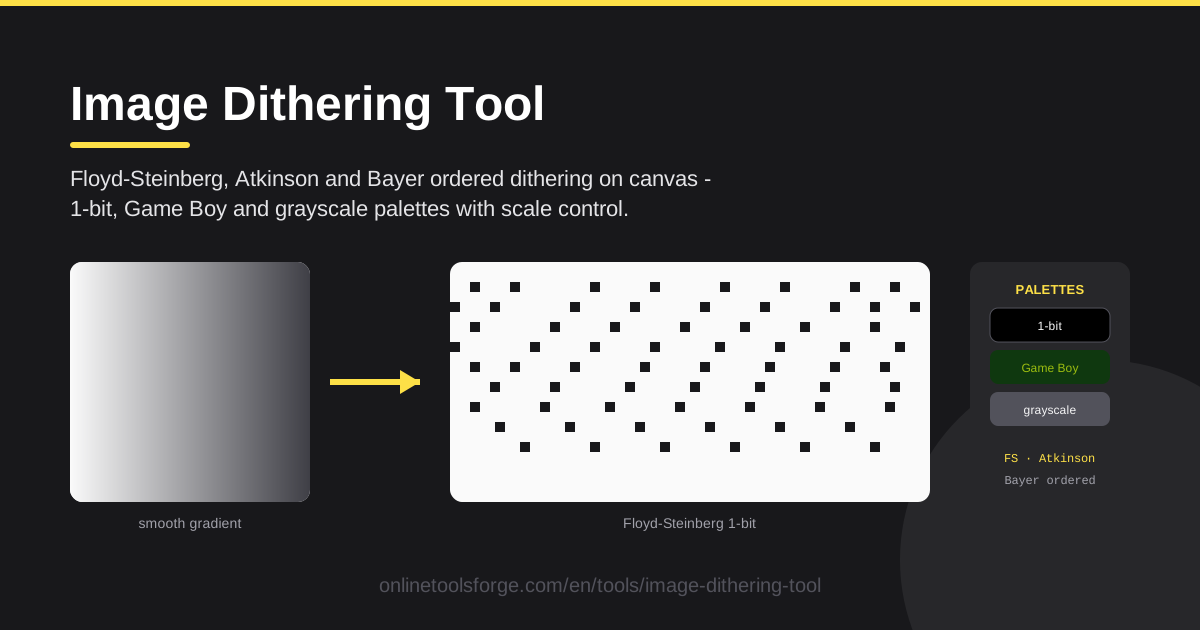
Table of Contents
Look closely at any photograph and you will find thousands of subtle shades melting together. Most displays cannot reproduce them all, and that gap is where dithering lives: arranging a few available colors into patterns your eye reads as smooth gradients. The Image Dithering Tool brings this classic technique into your browser, free and installation-free.
Using it is simple. Upload any image, pick Floyd-Steinberg, Atkinson, or Bayer ordered dithering, choose the 1-bit black and white, Game Boy green, or grayscale palette, adjust the output scale, and download. Every pixel is processed on an HTML canvas client-side, so your files never leave your device.
Why Use Image Dithering Tool?
Plenty of editors can slap a filter on a photo, but dithering deserves a dedicated tool:
- Three legendary algorithms in one place. Floyd-Steinberg, Atkinson, and Bayer each produce a completely different texture, and switching between them takes a single click.
- Palettes with real personality. 1-bit mode delivers stark newspaper contrast, Game Boy bathes your image in nostalgic green, and grayscale keeps a full tonal ramp with added texture.
- Scale control for the perfect dot size. Shrinking the image makes dots chunkier and more graphic; keeping it large produces finer, subtler grain.
- Runs 100% client-side. All the pixel math happens on canvas in your browser, so images are never uploaded to a server.
- Instant visual feedback. Every setting change re-renders the preview immediately, so you can compare looks in seconds.
- Zero friction. No account, no watermark, no usage limits — just open the page and start dithering.
Key Features
Here is what the tool puts on the table:
| Feature | What it does |
|---|---|
| Floyd-Steinberg dithering | Spreads each pixel's rounding error to unprocessed neighbors for the smoothest, most detailed shading. |
| Atkinson dithering | Diffuses only three-quarters of the error for bright, punchy results like early Macintosh screens. |
| Bayer ordered dithering | Compares pixels against a fixed repeating threshold grid, yielding a tidy, crosshatch-style texture. |
| 1-bit palette | Pure black and white for maximum contrast and a retro print vibe. |
| Game Boy palette | Maps every tone onto the classic handheld's four shades of green. |
| Grayscale palette | Keeps the full gray range while overlaying dither texture. |
| Scale control | Resizes the working image, directly controlling how large each dot appears. |
A few details worth knowing:
- Processing happens entirely on canvas in your browser, so large photos respond quickly and stay private.
- Any algorithm pairs with any palette: Bayer plus Game Boy reads like a lost 1989 handheld title; Atkinson plus 1-bit nails vintage newspaper photography.
- The scale slider doubles as a grain dial, from subtle halftone sheen to chunky, poster-ready pixels.
How to Use Image Dithering Tool
Getting a great result takes under a minute:
- Upload your image. Drag a file into the workspace or browse for one — JPG, PNG, and WebP all work.
- Pick a dithering algorithm. Floyd-Steinberg for smooth detail, Atkinson for high-contrast punch, or Bayer for a regular graphic pattern.
- Choose a palette. 1-bit black and white for stark contrast, Game Boy green for nostalgia, or grayscale for tonal texture.
- Adjust the scale. Lower it for bigger, bolder dots or raise it to preserve fine detail — the preview updates as you go.
- Download your image. When the preview looks right, save it straight to your device.
Why Dithering Exists
Dithering solves a simple but stubborn problem: you often have far fewer colors than an image needs. A photograph may contain millions of shades, while a 1-bit display offers exactly two. Snap every pixel to the nearest color and gradients collapse into ugly flat bands. Dithering spends spatial resolution to buy back tonal depth: instead of one mid-gray pixel, you get a checkerboard of black and white dots that your eye blends into gray — the same illusion behind newspaper halftones and pointillist paintings.
Error diffusion works like a chain of small corrections. When the algorithm rounds a pixel to black, it knows how much brightness it "owed" that pixel and spreads the debt onto not-yet-processed neighbors. Floyd-Steinberg, the classic from 1976, pushes the error to the pixels on the right, below-left, below, and below-right, weighted toward the right and straight down. The result is a fine, irregular grain that preserves gradients remarkably well — hence its lasting popularity.
Atkinson dithering passes each pixel's error to six neighbors in fixed portions but discards the final quarter entirely. Throwing error away sounds like a flaw, yet it keeps images brighter and crisper, with strong whites and blacks — the signature of early Macintosh screens that designers now chase on purpose.
Ordered dithering, best known through the Bayer matrix, takes the opposite approach: each pixel is compared against a small, fixed grid of thresholds that repeats across the image, producing a regular pattern of dots and crosshatches that looks engineered rather than noisy. That tidiness scales gracefully and reads as a deliberate graphic style.
Finally, your palette sets the mood while scale sets the grain. The 1-bit palette is stark and editorial, Game Boy wraps everything in four olive-greens that read as retro gaming, and grayscale lays fine texture over a full tonal range. Shrink the image and each dot becomes a fat, visible pixel perfect for pixel art; enlarge it and the grain fades into a subtle sheen.
Practical Use Cases
Retro Game Art and Pixel-Age Nostalgia
Run a landscape through the Game Boy palette with Floyd-Steinberg and it looks like a screenshot from a handheld RPG. Indie developers use it for title screens and mockups; fan communities give modern photos an authentic 1989 glow. Drop the scale first — bigger dots read more convincingly "console."
1-Bit E-Ink Style Assets
E-readers, smart watches, and e-ink signage render only a couple of tones. Dithering a photo to 1-bit with Atkinson produces assets that preview almost exactly how they will look on such screens — handy for e-reader covers, low-power interfaces, and black-and-white posters.
Printing with Limited Inks
Risograph printers, thermal receipt printers, screen printing, and laser engravers all struggle with smooth gradients. A dithered 1-bit or grayscale version turns continuous tone into a dot pattern the hardware can reproduce — the same reason newspapers have dithered photos for a century.
Stylish Social Graphics
A dithered crop makes an ordinary photo stop the scroll. Atkinson plus grayscale gives a moody zine aesthetic, Bayer plus 1-bit looks like a scanned flyer, and Game Boy green announces a retro gaming account. One treatment can unify an entire feed or brand.
Best Practices
A few habits will take your results from good to great:
- Downscale before you dither. Dots need room to be seen, so run a smaller output scale until the pattern reads as texture.
- Match the palette to the destination. 1-bit for print and e-ink, Game Boy green for retro art, grayscale for tonal subtlety.
- Avoid dithering text or fine linework. Error diffusion shreds small letters into speckle — keep text as a crisp separate element.
- Compare algorithms on the same image. They can look wildly different, so test all three before committing.
- Try every palette on the same photo. A minute of swapping often reveals a look you would never have guessed.
- Keep your original file. Dithering is destructive, so export a copy to re-run with new settings later.
Ready to give your images that unmistakable retro texture? Open the Image Dithering Tool, drop in a photo, and cycle through Floyd-Steinberg, Atkinson, and Bayer until the dots feel just right. Free, fast, and everything happens in your browser.
Related Tools You Might Like:
- Image to ASCII Converter — turn photos into text art.
- Image Filter Effects — more creative looks for your images.
- Image Compressor — shrink files before uploading.
Happy pixeling!
Frequently Asked Questions
Q: What is the difference between Floyd-Steinberg, Atkinson, and Bayer dithering? A: Floyd-Steinberg spreads each pixel's error to four unprocessed neighbors for the smoothest, most detailed grain. Atkinson spreads only three-quarters of the error, keeping images brighter and punchier with a classic early-Mac look. Bayer uses a fixed repeating threshold grid, creating a tidy, regular dot pattern.
Q: Is my image uploaded to a server? A: No. The tool runs entirely client-side: processing happens on an HTML canvas on your device, and the downloaded file is generated locally — nothing is transmitted or stored.
Q: Which palette should I choose for a retro game look? A: The Game Boy palette is the obvious pick for handheld nostalgia. Try 1-bit black and white for an older, print-like feel, and grayscale when you want texture without losing tonal range.
Q: Why does my dithered image look noisy, and how do I fix it? A: The dots are probably too small for the viewing size. Lower the scale so each dot is chunkier, and try Floyd-Steinberg for smoother grain or Bayer for a more regular pattern.