PromptPay QR Generator: Create Thai Payment QR Codes with a Fixed Amount, Fully Offline
Generate EMVCo-compliant Thai PromptPay QR codes from a citizen ID, phone number or e-wallet ID, with an optional fixed amount and a CRC16 checksum — 100% offline in your browser.
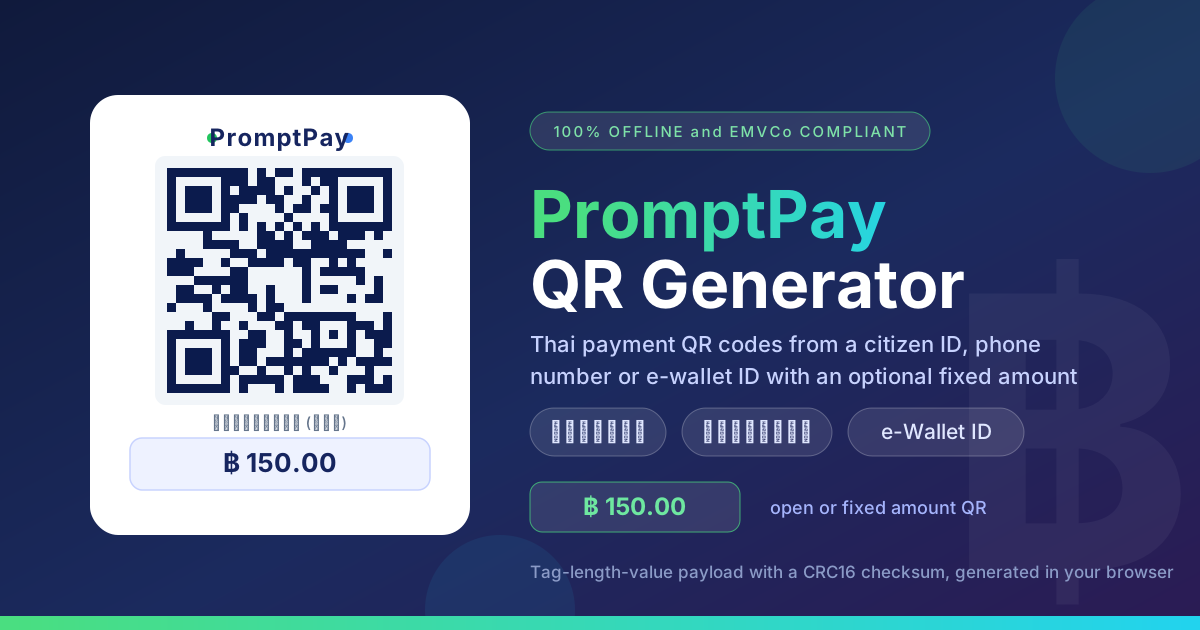
Free Interactive Tool
PromptPay QR Code Generator
Generate Thai PromptPay QR codes for payments from citizen ID, phone number, or e-wallet ID.
Table of Contents
Thailand's PromptPay (พร้อมเพย์) has become the default way to pay: scan a printed QR code with any Thai banking app and baht moves instantly to a phone number, citizen ID or e-wallet. The system runs on the EMVCo QR specification, which defines how the recipient, currency and even a fixed amount are encoded inside the payload itself.
Here is the catch: most sellers print a static QR with no amount baked in, so every payer types the total by hand — and one mistyped digit sends 1,000 baht instead of 100. A fixed-amount QR removes that typo risk: the amount is encoded in the payload, the app shows it pre-filled and locked, and the payer just confirms. The PromptPay QR Generator builds these payloads from a citizen ID, a phone number or an e-wallet ID, fully offline in your browser.
Why Use the PromptPay QR Generator?
- Your ID and phone number never leave the browser. Generation runs 100% offline on the client side — you can disconnect from the internet after the page loads and it keeps working — PromptPay targets are personal data, so they should never be posted to an unknown server.
- EMVCo-compliant payloads with a CRC16 checksum. Banking apps reject malformed payloads instantly; the generator assembles every tag-length-value field and appends the checksum apps use to verify integrity.
- Fixed or open amounts. Leave the amount empty for a flexible code, or bake in an exact baht figure the payer cannot change.
- All three target types. Citizen ID, 10-digit phone and e-wallet ID are encoded differently; the tool handles it, including the 0066 prefix phone numbers require.
- Free, instant and unlimited. No account, no watermark, no server round-trip.
- Built for print. High-contrast output stays scannable on signs and invoices.
Key Features
| Feature | What it does |
|---|---|
| Target type selector | Switch between citizen ID, phone and e-wallet targets |
| Input validation | Catches wrong lengths and missing leading 0 |
| Optional fixed amount | Bakes an exact baht total into the payload |
| EMVCo payload builder | Correct tag order, currency 764 for THB |
| CRC16 checksum | Appends the tag-63 integrity code apps verify |
| Fully offline | 100% client-side; nothing is uploaded |
- Validation catches typos before they reach a printed sign.
- The payload stays lean, keeping the QR scannable even printed small.
How to Use the PromptPay QR Generator
- Choose your target type — citizen ID, phone number or e-wallet ID, matching the identifier registered to the receiving account.
- Enter the identifier — a 13-digit citizen ID, a 10-digit phone starting with 0, or the e-wallet ID. The tool validates the format as you type.
- Add an optional amount — empty for an open-amount QR, or a fixed figure such as 150 for a locked price.
- Generate the QR — the tool assembles the EMVCo payload, computes the CRC16 and renders the code instantly.
- Test-scan with a banking app — confirm the recipient and any locked amount before printing or sharing — a code that renders on screen is not necessarily one a bank accepts.
Inside a PromptPay QR Payload
Every PromptPay QR is an EMVCo merchant-presented code: a string of two-digit tags, each followed by a two-digit length and the value. For example, 5303764 reads as tag 53 (currency), length 03, value 764 — the ISO code for Thai baht. Tags appear in ascending order, and tag 63 always comes last, covering everything before it.
| Tag | Meaning | Example |
|---|---|---|
| 00 | Payload format indicator | 01 |
| 01 | Point of initiation | 11 open, 12 fixed |
| 29 | Merchant account info | Nested target template |
| 53 | Currency | 764 (THB) |
| 54 | Amount | 150.00 |
| 58 | Country code | TH |
| 63 | CRC16 checksum | 4 hex characters |
How each target type is encoded
All targets travel inside tag 29 under the PromptPay AID A000000677010111, and a sub-tag tells the app which identifier it is. Phone numbers (sub-tag 01) are normalized to international format, so 0812345678 becomes 006681234567. Citizen IDs (sub-tag 02) use the 13 digits as issued. E-wallet IDs (sub-tag 03) carry the proxy identifier non-bank wallets use. Picking the wrong target type yields a valid-looking QR that pays the wrong kind of account.
The CRC16 checksum
Tag 63 holds a four-character hexadecimal CRC16 (CRC-16/CCITT-FALSE, polynomial 0x1021, initial value 0xFFFF) computed over the entire payload, including the 6304 prefix. If any single character is corrupted, the checksum fails and the banking app refuses the code. The generator computes it on every payload.
A payload fragment walkthrough
000201  010212  29370016A0000006770101110113006681234567
5303764 540499.50 5802TH 6304A1B2
Reading left to right: 00 marks a PromptPay payload; 01 12 locks in a dynamic amount; the 29 template carries the AID and the phone target 006681234567; 53 03 764 sets Thai baht; 54 04 99.50 fixes the price; 58 02 TH declares the country; and 63 04 A1B2 is the checksum tying it all together. Change one digit anywhere and the CRC16 fails.
Practical Use Cases
Market stalls and food carts
Keep one open-amount QR for variable prices, and add fixed-amount QRs to price cards for set items like a 60-baht noodle bowl. Customers scan and confirm — no typing, no typos, no awkward conversations at a busy counter.
Freelance invoices with exact amounts
Put a fixed-amount QR on each invoice so Thai clients scan, see the exact total pre-filled and pay in seconds. Generating one per invoice is trivial, and since the tool runs offline you can prepare them anywhere.
Event donations
Display an open-amount QR for give-what-you-want donors, plus fixed cards at 100, 500 and 1,000 baht. Donors pick a card, scan and go.
Rental deposits
Landlords can send a fixed-amount QR over chat for deposits or monthly rent. Tenants scan the image, see the locked total, and the transfer cannot fall short by a digit — a clean record for both sides.
Best Practices
- Always test-scan before printing. Verify recipient and locked amount with a real banking app first.
- Never hand-edit a checksummed payload. One altered character breaks the CRC16 — regenerate instead.
- Laminate printed codes. Outdoor signs fade and stain fast; lamination keeps the QR scannable for months.
- Never generate business IDs on untrusted shared devices. The tool transmits nothing, but shared computers can record keystrokes — use your own device.
- Keep an open-amount code for tips and pay-what-you-want items.
- Print the amount next to a fixed QR so payers know the figure is intentional.
Start Generating PromptPay QR Codes Today
Whether you tape signs to a food cart, invoice clients in Bangkok or collect rent without typing errors, the PromptPay QR Generator produces a bank-ready, checksum-verified QR in seconds — with your ID and phone number never leaving your browser.
Related Tools You Might Like:
- QR Generator — QR codes for URLs, text, contact cards and more
- WiFi QR Code Generator — guests join your network with one scan
- Bulk QR Code Generator — hundreds of QR codes at once from a list
Happy generating!
Frequently Asked Questions
Q: Is it safe to enter my citizen ID or phone number? A: Yes. Generation runs entirely offline in your browser — nothing is transmitted, logged or stored. Disconnect from the internet after loading the page and keep generating.
Q: What is the difference between open-amount and fixed-amount QR codes? A: Open-amount codes (initiation value 11) let the payer type any total. Fixed-amount codes (value 12) encode the amount in tag 54, so the app shows it pre-filled and locked.
Q: My phone number starts with 0 — do I add the country code myself? A: No. Enter the 10-digit number starting with 0; the tool converts it to the 0066 format PromptPay requires.
Q: Why did a banking app reject my QR code? A: Usually a mistyped identifier, the wrong target type or a damaged print. Regenerate rather than editing the payload; every code carries a valid CRC16.