typography-pairing-suggester: Complete Online Guide, Features & Practical Examples
Learn how to use the free typography-pairing-suggester in your browser with step-by-step instructions, practical use cases, and expert tips.
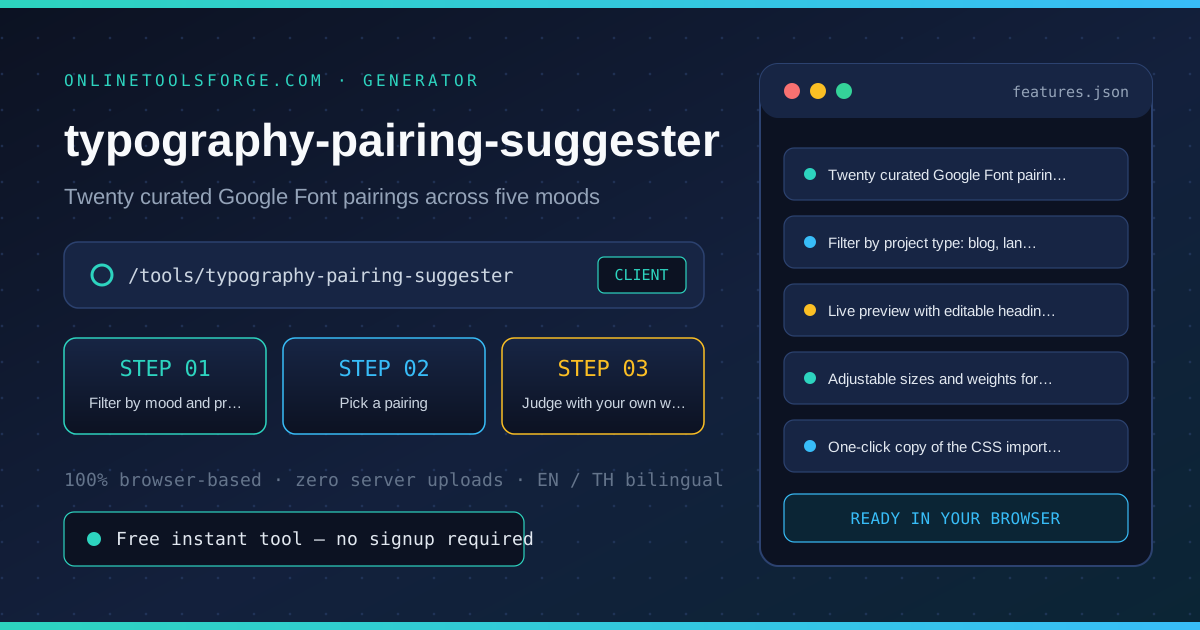
Free Interactive Tool
Typography Pairing Suggester
Browse curated Google Font pairings by mood and project type with a live editable preview, adjustable heading and body sizes and weights, and copy-paste CSS import code.
Table of Contents
The Typography Pairing Suggester collects twenty curated Google Font pairings — each matching a headline voice with a reading voice — and lets you filter them by mood and project type. Select a pairing to load both fonts into a live, editable preview where the heading text, sizes and weights are yours to change, then copy the exact CSS import and font-family rules the preview used. It turns font selection from catalog-scrolling into a two-minute decision made with your real words.
Whether you are double-checking numbers on a deadline, validating edge cases, or standardizing a repeatable workflow, the typography-pairing-suggester gives you an interactive, zero-install workspace directly in your browser. Every calculation and transformation runs locally on your device — no account registration, no paywalls, and no sensitive inputs uploaded to external servers.
In this guide, we walk through why dedicated tooling beats manual back-of-the-envelope work, explore every feature inside the interface, and cover step-by-step instructions alongside real-world scenarios.
Why Use typography-pairing-suggester?
- Immediate Clarity: Curated pairings only — no decision fatigue from a full font catalog.
- Focused Workflow: Mood and project filters that actually narrow the field.
- Transparent Logic: Live preview with your own headline and body copy.
- Practical Accuracy: Size and weight controls for judging hierarchy in place.
- Time-Saving Defaults: Copy-paste CSS that matches the preview exactly.
- 100% Client-Side Privacy: Every operation executes inside your browser session, keeping your data private and responsive even on slow connections.
Key Features
| Feature Area | What It Delivers | Execution Mode |
|---|---|---|
| Capability 1 | Twenty curated Google Font pairings across five moods | Instant browser execution |
| Capability 2 | Filter by project type: blog, landing, portfolio, docs, e-commerce | Instant browser execution |
| Capability 3 | Live preview with editable heading and body text | Instant browser execution |
| Capability 4 | Adjustable sizes and weights for both fonts | Instant browser execution |
| Capability 5 | One-click copy of the CSS import and font-family rules | Instant browser execution |
- Interactive Feedback: Results recalculate on the fly as you adjust inputs, letting you compare multiple scenarios in seconds.
- Bilingual Interface: Switch seamlessly between English and Thai labels whenever you collaborate across multilingual teams.
- Copy & Export Ready: Grab formatted outputs or summaries with one click so you can paste them straight into docs, tickets, or spreadsheets.
How to Use typography-pairing-suggester
From a blank stylesheet to a copyable font stack in four steps.
- Open the Tool: Head to the typography-pairing-suggester in any modern desktop or mobile browser.
- Filter by mood and project: Choose the mood your site should carry and the kind of page you are building. The grid narrows twenty curated pairings down to the ones that fit.
- Pick a pairing: Click a card to load both Google Fonts into the preview panel. The pairing stays highlighted so you can compare a few side by side.
- Judge with your own words: Replace the heading text with your real title, then tune the sizes and weights until the hierarchy reads at a glance.
- Copy the CSS: Copy the CSS to get the exact import line and font-family rules the preview used, ready to paste at the top of your stylesheet.
Core Concepts & How It Works
Understanding the underlying mechanics helps you interpret the output with confidence. The Typography Pairing Suggester collects twenty curated Google Font pairings — each matching a headline voice with a reading voice — and lets you filter them by mood and project type. Select a pairing to load both fonts into a live, editable preview where the heading text, sizes and weights are yours to change, then copy the exact CSS import and font-family rules the preview used. It turns font selection from catalog-scrolling into a two-minute decision made with your real words.
Instead of hiding assumptions behind a single opaque result, the typography-pairing-suggester surfaces intermediate values and clear labels so you can audit how the final answer is assembled:
- Explicit Input Validation: Boundaries and unit expectations are checked immediately, preventing silent NaN or unit-mismatch bugs.
- Deterministic Output: Given the same inputs, the tool produces identical, reproducible results every time — ideal for team reviews and documentation.
- Edge-Case Visibility: Built-in warnings highlight when inputs approach practical limits or require special interpretation.
Practical Use Cases
1. Choosing fonts for a new blog or newsletter
When tackling choosing fonts for a new blog or newsletter, manual spreadsheets and ad-hoc scripts often introduce rounding errors or inconsistent assumptions. With the typography-pairing-suggester, you can load your exact parameters, inspect the breakdown immediately, and verify how each variable affects the outcome before committing to a decision.
2. Picking a landing-page pairing before the first design sprint
When tackling picking a landing-page pairing before the first design sprint, manual spreadsheets and ad-hoc scripts often introduce rounding errors or inconsistent assumptions. With the typography-pairing-suggester, you can load your exact parameters, inspect the breakdown immediately, and verify how each variable affects the outcome before committing to a decision.
3. Refreshing a portfolio with a more confident headline face
When tackling refreshing a portfolio with a more confident headline face, manual spreadsheets and ad-hoc scripts often introduce rounding errors or inconsistent assumptions. With the typography-pairing-suggester, you can load your exact parameters, inspect the breakdown immediately, and verify how each variable affects the outcome before committing to a decision.
4. Standardizing docs typography across a team
When tackling standardizing docs typography across a team, manual spreadsheets and ad-hoc scripts often introduce rounding errors or inconsistent assumptions. With the typography-pairing-suggester, you can load your exact parameters, inspect the breakdown immediately, and verify how each variable affects the outcome before committing to a decision.
5. Comparing an elegant serif against a bold sans for a brand
When tackling comparing an elegant serif against a bold sans for a brand, manual spreadsheets and ad-hoc scripts often introduce rounding errors or inconsistent assumptions. With the typography-pairing-suggester, you can load your exact parameters, inspect the breakdown immediately, and verify how each variable affects the outcome before committing to a decision.
Best Practices
- Start with realistic baseline values before testing extreme edge cases so you have a clear reference point to compare against.
- Verify units and formatting on every input field — many discrepancies come from mixing percentages, decimals, or measurement units.
- Test sensitivity by changing one variable at a time in the typography-pairing-suggester to see which input has the largest impact on your result.
- Document your assumptions alongside the exported output so teammates can reproduce the exact state later.
- Pair with companion utilities in the same category when your workflow spans multiple conversion or validation steps.
Frequently Asked Questions
Q: What makes a good heading and body pairing? A: Contrast with shared genetics: pair a distinctive display voice with a quiet, highly readable text face, ideally from the same designer or superfamily so widths and x-heights agree. Every pairing in the grid follows that rule — one voice for headlines, one for paragraphs — which is why they survive real content better than two decorative fonts fighting each other.
Q: Do the fonts load when I am offline? A: The pairing list, filters and CSS copy work fully offline. The live preview fetches the two font files from Google Fonts when the network is available; offline it falls back to system fonts of similar character while keeping your sizes and weights, so layout decisions still hold.
Q: Can I use these fonts on a commercial site? A: Yes. All fonts in the list are on Google Fonts under open-source licenses that permit commercial use, embedding and modification. The copied CSS import is the standard Google Fonts serving method, so nothing extra is required beyond the stylesheet line.
Q: How many pairings should a site need? A: One, occasionally two: a heading face plus a body face covers almost every page. Reach for a third only for code or data tables, where a monospace earns its slot. The tool keeps each pairing to exactly two families so the result stays disciplined.
Try typography-pairing-suggester Today
Ready to streamline your workflow? Open the typography-pairing-suggester now to run instant, accurate calculations right in your browser — completely free and with zero setup required.
Related Tools You Might Like
Happy building and calculating!