Audio Speed Changer: Speed Up or Slow Down Audio in Your Browser
Audio Speed Changer lets you speed up or slow down any audio file from 0.25x to 2x with optional pitch preservation — free, private, and entirely in your browser.
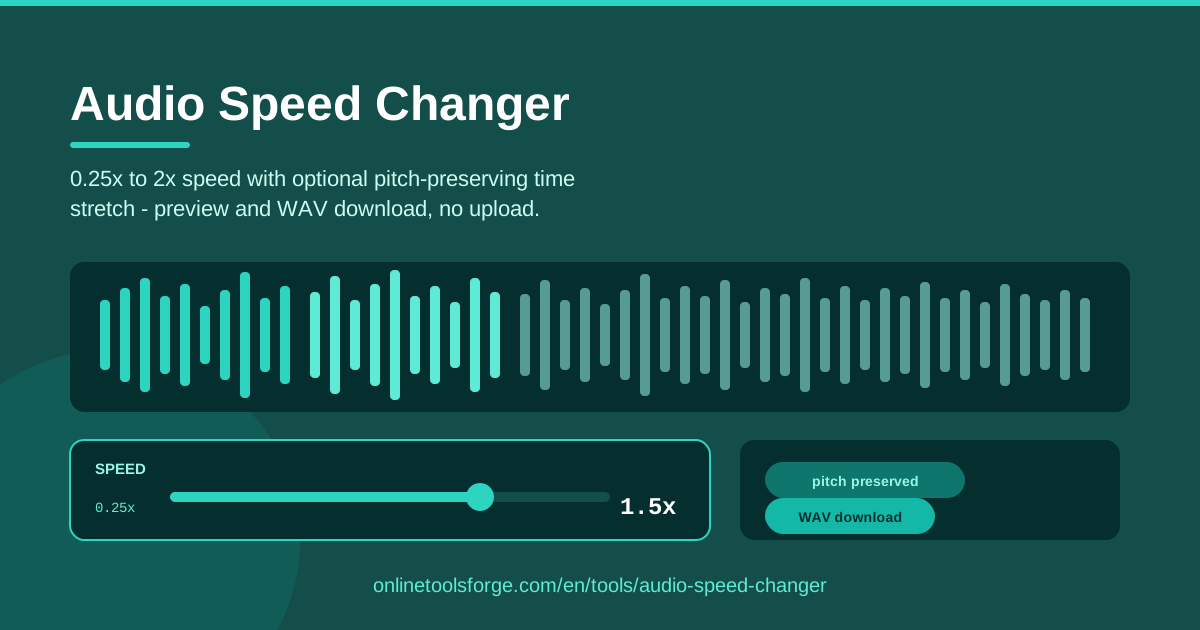
Table of Contents
Have you ever needed to get through a ninety-minute meeting recording in an hour, or to slow down a fast-talking lecturer so you can actually take notes? The Audio Speed Changer handles both in seconds. It is a free tool that changes audio speed anywhere from 0.25x to 2x, and everything happens right in your browser.
The feature that separates it from most online speed changers is the optional pitch-preserving time stretch. Basic tools resample audio, so speeding up a voice by 1.5x turns the speaker into a chipmunk. With pitch preservation enabled, the audio moves faster or slower while the voice still sounds like the person who recorded it.
This guide explains how the tool works, when plain speed change is the right choice versus a true time stretch, and a few practical tips for getting the cleanest possible result — whether you are editing a podcast, studying, or fitting a voiceover to a video.
Why Use Audio Speed Changer?
- Your audio never leaves your device. The tool loads and processes files entirely in your browser. Meeting recordings, interview tapes, and voice memos are not uploaded to any server, so private material stays private and there is no upload wait or file size queue.
- Pitch preservation keeps voices natural. The built-in overlap-add time stretch changes duration without changing pitch, so sped-up speech does not squeak and slowed speech does not growl.
- A genuine 0.25x to 2x range. Quarter speed for careful study, double speed for skimming, and every setting in between.
- Preview before you export. Listen to the adjusted audio immediately, so you never waste a download on a result you do not like.
- Free, unlimited, and account-free. No sign-up, no watermarks, no daily limits — open the page and start working.
- Lossless WAV output. The exported file keeps full sample fidelity, ready for any editor or player.
Key Features
| Feature | What it does |
|---|---|
| Local file loading | Opens an audio file directly from your computer; nothing is uploaded. |
| Speed control (0.25x–2x) | Sets any playback speed from quarter speed to double speed. |
| Pitch-preserving time stretch | Uses overlap-add stretching via Web Audio offline rendering so voices keep their original pitch. |
| Preview playback | Lets you hear the exact result before exporting. |
| WAV download | Exports the adjusted audio as a standard, lossless WAV file. |
| Fully in-browser processing | All decoding, stretching, and encoding happen on your own machine. |
- The offline rendering approach processes the entire file in one pass, sample-accurately, instead of approximating live playback.
- Because output is WAV, there is no extra compression step that could degrade an already-processed file.
- It works in any modern desktop or mobile browser with no installation.
How to Use Audio Speed Changer
- Load your audio file. Click the file picker and choose a recording from your computer. The tool decodes it locally and shows the file details.
- Set the speed on the slider. Drag anywhere from 0.25x to 2x. At 1.5x a ten-minute clip plays in six minutes forty seconds; at 0.5x it takes twenty minutes.
- Toggle pitch preservation. Leave it on to keep voices at their natural pitch. Turn it off if you want classic resampling, where speed and pitch change together.
- Preview the result. Play the adjusted audio and check that the pace and tone are right. Adjust the slider and preview again until it sounds correct.
- Download the WAV. When you are happy, export the file. It saves straight to your device, ready to share, edit, or archive.
Speed Change vs Time Stretch
It helps to understand what actually happens when you change audio speed, because there are two fundamentally different techniques behind the scenes.
The simple approach is resampling. The player reads the digital samples and simply plays them back faster or slower. Push the same samples through the output in less time and both duration and pitch rise together; stretch them out and both fall. This is why sped-up speech sounds high and cartoonish — the chipmunk effect — while slowed speech sounds deep and sluggish. Sometimes that effect is exactly what you want for comedy, retro sampling, or sound design. For voice content, it usually is not.
The alternative is a true time stretch. The audio is cut into short overlapping frames, the frames are re-spaced to hit the new duration, and the overlaps are cross-faded back together. Each frame keeps its original waveform detail, so the pitch — determined by how fast the waveform itself vibrates — is preserved while the overall timeline shrinks or grows. Audio Speed Changer applies this overlap-add technique through Web Audio offline rendering whenever pitch preservation is switched on.
There are quality trade-offs at the extremes. Within roughly 0.5x to 1.5x, overlap-add stretching is nearly transparent to most listeners. Push toward 2x and the algorithm must squeeze content aggressively, which can slightly soften sharp transients or add a faint phasey texture on dense material. At 0.25x it must produce four seconds of output for every second of input, and fast percussive audio can develop a subtle stutter. Naive resampling, by contrast, is artifact-free at any ratio — it just drags the pitch along with it.
This is also why offline rendering matters. Live playback can only run in real time and offers no way to apply overlap-add stretching to a file. Offline rendering processes the whole track as fast as your CPU allows, with sample-accurate results, then hands back a finished buffer that becomes your WAV download.
Practical Use Cases
Slow down lectures and language lessons
A dense technical lecture delivered at speed becomes far easier to follow at 0.75x, giving you time to write notes without pausing the player. For language learners, 0.5x is useful for catching individual words in fast native speech — keep pitch preservation on so the slower tempo does not make the speaker sound like they are talking underwater.
Speed through long meeting recordings
A ninety-minute all-hands recording at 1.5x takes one hour. Combined with a quick trim of the small talk at each end, most people recover a third of their listening time per meeting. Action items and decisions remain perfectly intelligible at 1.25x to 1.5x with pitch preservation enabled.
Fit a voiceover into a fixed video length
Video editors know the pain of a narration that runs five seconds long. Instead of re-recording, a gentle 1.05x to 1.1x speed-up with pitch preservation usually closes the gap, and viewers will never notice. The same trick works in reverse: a hair-short voiceover can be slowed a few percent to fill a scene.
Transcribe faster and more accurately
If you transcribe by hand, 0.75x gives your typing a chance to keep up with rapid dialogue. Once you understand a speaker's style, flipping to 1.25x or 1.5x lets you skim already-clear sections quickly. Alternating between the two speeds — slow for dense passages, fast for the rest — is far more efficient than one fixed pace.
Best Practices
- Stay near 0.5x to 1.5x for best quality. Pitch-preserved stretching is nearly perfect in that window; extreme values are more likely to introduce audible texture.
- Always preview before exporting. Thirty seconds of listening beats a wasted download, especially at extreme settings.
- Prefer pitch preservation for voice. Speech is where pitch shifts are most noticeable; turn the option off only when you want a deliberate effect or maximum fidelity.
- Trim before you speed up. Cutting silence and irrelevant sections first means less material to process and a shorter, cleaner result — the Audio Trimmer pairs well here.
- Start from the best source you have. A clean original gives the stretch algorithm far more to work with than a compressed, low-bitrate file.
- Check the new duration against your target. Before downloading, confirm the adjusted length actually fits your video, slide, or schedule.
Ready to reclaim some listening time? Open Audio Speed Changer, drop in a file, and find your perfect pace in under a minute. No uploads, no accounts, no cost — just faster or slower audio, exported as WAV and ready to use.
Related Tools You Might Like:
- Audio Trimmer — cut silence and trim recordings before or after changing speed.
- Audio Normalizer — even out loudness so quiet recordings stay easy to hear at speed.
- Audio Converter — convert files between formats when WAV is not what you need.
Happy listening!
Frequently Asked Questions
Q: Is my audio uploaded to a server? A: No. The file is loaded and processed entirely in your browser using the Web Audio API, so your recordings never leave your device.
Q: Why does my voice sound like a chipmunk at 1.5x? A: That is naive resampling with no pitch correction. Enable the pitch-preserving option and the tool uses overlap-add time stretching to change duration while keeping the original pitch.
Q: What formats can I load, and what do I get out? A: You can load common audio formats your browser can decode, such as MP3, WAV, M4A, and OGG. Output is always a standard WAV file.
Q: Does extreme slowing to 0.25x still sound good? A: Naive speed change at 0.25x sounds deep but technically clean, while pitch preservation at 0.25x may add slight texture to fast material. For the best-sounding voice results, stay near 0.5x to 1.5x.