FAQ Schema Generator: Build FAQPage JSON-LD for Google Rich Results
Build FAQPage JSON-LD structured data from question and answer pairs with live preview, validation warnings, and a copy-paste script tag for Google rich results.
Free Interactive Tool
FAQ Schema Generator
Generate valid FAQPage JSON-LD structured data from question and answer pairs. Get a copy-paste ready script tag for Google rich results.
Table of Contents
Almost every website has an FAQ section, yet search engines cannot tell which text blocks are genuine questions and answers unless you say so in structured data. The FAQ Schema Generator bridges that gap: type questions and answers into a simple form, and the tool converts each pair into a FAQPage JSON-LD object wrapped in a ready-to-paste script tag.
Why bother? When a search engine recognizes FAQ content, it can display it as an expandable accordion directly in search results, making your listing taller than competitors and answering searchers before they click.
This guide explains what FAQPage structured data is, how rich results work, and how to produce valid markup in about a minute. The tool runs 100% client-side in your browser, so nothing you type ever reaches a server.
Why Use FAQ Schema Generator?
- Purpose-built for FAQPage markup. Hand-writing JSON-LD means remembering exact property names, nesting rules, and escaping rules. The generator handles all of it; you only supply the words.
- Live JSON preview. Every keystroke updates the output in real time, so you can watch the schema take shape and spot typos before they reach your live page.
- Validation warnings before you publish. The tool flags incomplete pairs with a missing question or answer, detects duplicate questions, and warns when there is no valid output yet — the three mistakes that most often get structured data rejected.
- Copy-paste script tag output. Choose a complete script tag to drop straight into your page, or raw JSON if your CMS manages structured data separately.
- Download as a file. Grab the markup as faq-schema.html for templates, or faq-schema.json for build pipelines.
- No account, no upload, no limits. Everything stays in your browser tab, which makes it safe for confidential product details, unpublished announcements, or client work under NDA.
Key Features
| Feature | What It Does |
|---|---|
| Question and answer pairs | Add as many Q/A pairs as your page needs; each becomes an entry in the FAQPage mainEntity array |
| Live JSON preview | The FAQPage JSON-LD output regenerates instantly as you type |
| Validation warnings | Flags incomplete pairs, duplicate questions, and empty output |
| Script tag output | One click gives a complete application/ld+json script tag; a second mode gives raw JSON |
| File download | Save your markup as faq-schema.html or faq-schema.json |
| 100% client-side | All generation happens in your browser — nothing is uploaded |
The generated JSON follows the schema.org FAQPage vocabulary exactly as search engines expect, including the mainEntity array, Question names, and acceptedAnswer text — and the live preview shows exactly how each field you type maps to a JSON property.
How to Use
- Open the FAQ Schema Generator and type the first question exactly as it appears on your page. Wording matters, because visible content and schema must match.
- Fill in the matching answer in the field below it. Keep it faithful to what visitors actually read; a light edit is fine, a different answer is not.
- Add more pairs as needed. Each appears in the live preview immediately, while the validation panel warns about incomplete pairs and duplicate questions as you go.
- Choose your output format. Copy the ready-made script tag, copy the raw JSON, or download the result as faq-schema.html or faq-schema.json.
- Paste the script tag into the head or body of your FAQ page — both placements are valid for JSON-LD. Then confirm the visible page contains the same questions and answers you encoded, because search engines require on-page text to match the markup.
FAQ Schema and Rich Results
FAQPage structured data is a schema.org type that describes a list of questions and their accepted answers. Written as JSON-LD — a JavaScript object embedded in a script tag — it sits alongside your HTML without changing how the page looks, letting search engines understand the content semantically.
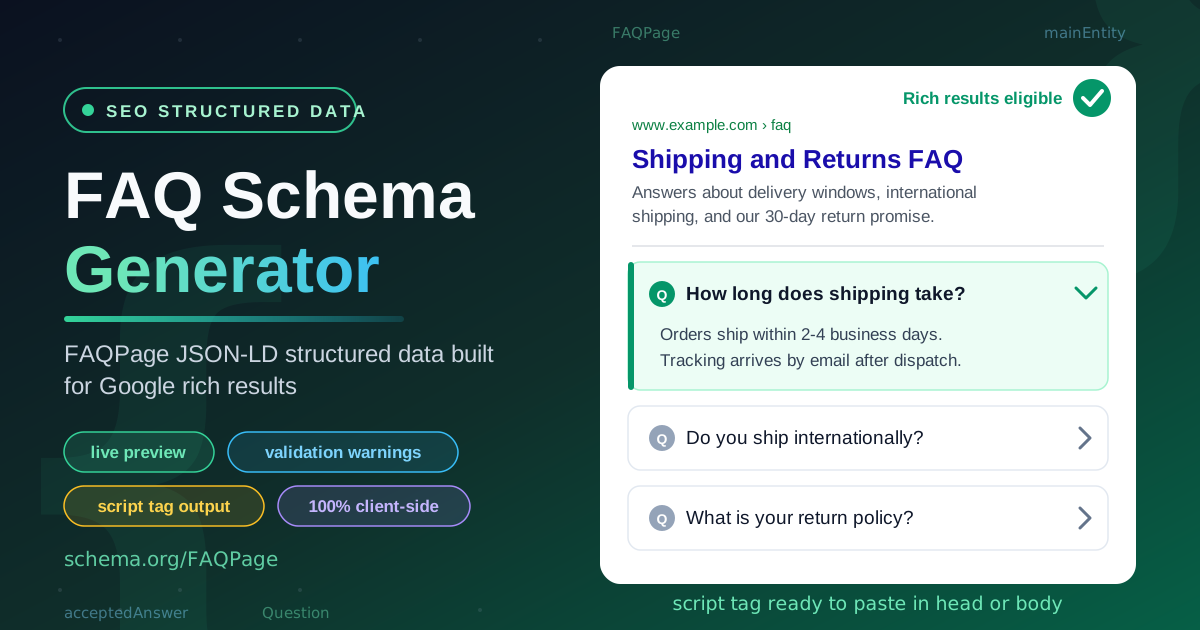
When a search engine recognizes valid FAQPage markup, it can render your questions as an interactive accordion inside the results snippet, so your listing occupies more space and answers buying questions at the moment of decision.
Eligibility rules are stricter than many site owners expect. The questions and answers in your markup must be visible on the page — schema that references hidden content is a policy violation. Each page should carry exactly one FAQPage entity, and the content should genuinely be an FAQ list, not an ad in disguise.
The generator's warnings target the most common failure modes:
- Incomplete pair. A question with an empty answer, or vice versa, produces invalid data. Complete the missing field or delete the pair.
- Duplicate question detected. Identical questions confuse parsers and waste result space. Merge them into one stronger answer, or rewrite one question so each entry is distinct.
- Empty output. With no complete pair, the tool warns you before you copy a broken schema. Finish at least one question and answer to generate valid markup.
Here is a small, realistic example of the generated output:
<script type="application/ld+json">
  {
    "@context": "https://schema.org",
    "@type": "FAQPage",
    "mainEntity": [
      {
        "@type": "Question",
        "name": "How long does shipping take?",
        "acceptedAnswer": {
          "@type": "Answer",
          "text": "Orders ship within 2-4 business days. Tracking arrives by email after dispatch."
        }
      },
      {
        "@type": "Question",
        "name": "What is your return policy?",
        "acceptedAnswer": {
          "@type": "Answer",
          "text": "You can return unused items within 30 days for a full refund."
        }
      }
    ]
  }
</script>
After publishing, run the page through a structured data validator. If errors appear later, the usual cause is drift between the schema and the visible page.
Practical Use Cases
Product FAQ Pages
Product pages accumulate the same handful of questions — sizing, compatibility, battery life, warranty. Encoding them as FAQPage schema puts those answers into search results for long-tail queries such as "does this model support wireless charging", capturing buyers before they land on a competitor's review.
Service and Business Pages
Consultancies, clinics, and agencies all answer recurring questions about pricing, availability, and process. FAQ schema lets those answers surface for local, intent-rich searches — cheap conversion optimization, since a visitor whose question was answered in the snippet arrives warmer and more likely to enquire.
Documentation and Help Centers
Support hubs live and die by self-service. FAQPage markup on troubleshooting and onboarding pages helps search engines route users with specific problems straight to the right entry.
Content Sites and Blogs
Guides and comparison articles often end with a natural FAQ section summarizing the key points. Marking it up gives the article a second chance to appear for question-style searches long after publication.
Best Practices
- Match the visible page exactly. Every schema question and answer should appear on the page. This is the single most important eligibility rule.
- One FAQPage per page. Keep all pairs inside a single entity per URL rather than scattering several schema blocks across the document.
- Write questions the way users ask them. Conversational phrasing matches voice search and AI assistant queries.
- Keep answers self-contained. Each answer should make sense alone, since in a rich result it may be read without context.
- Fix warnings before shipping. Treat incomplete-pair and duplicate-question warnings as blockers — cheap to prevent now, expensive to discover after indexing.
- Revisit schema when content changes. If you edit the on-page FAQ, regenerate the script tag so the two never drift apart.
Start Building Your FAQ Schema Today
Structured data is one of the few SEO improvements you can ship in minutes, and the FAQ Schema Generator removes every technical barrier: type your questions, watch the preview, fix the warnings, and paste the script tag into your page. Free, private, and entirely browser-based.
Related Tools You Might Like:
- Open Graph Generator — build social card metadata so shared links preview beautifully
- Robots TXT Generator — craft crawler directives that tell search engines what to index
- Keyword Density Checker — analyze term frequency to keep FAQ copy natural and on-topic
Happy structuring — may your FAQ pages earn the rich results they deserve!
Frequently Asked Questions
Q: Where should I paste the generated script tag? A: Either the head or the body of your FAQ page works for JSON-LD. The important requirement is that the visible page content contains the same questions and answers as the schema.
Q: Why does the tool warn me about a duplicate question? A: Two identical questions in one FAQPage schema confuse parsers and waste result space. Merge them into a single stronger answer, or rewrite one so each entry covers a distinct concern.
Q: Can I use the same schema on multiple pages? A: No. Each FAQPage schema describes the FAQ content of one specific URL; reusing it across pages violates the eligibility rules.
Q: Does the generator upload my questions anywhere? A: Never. The tool runs 100% client-side in your browser, so your questions, answers, and generated schema never leave your machine.
Q: What is the difference between the script tag output and the raw JSON output? A: The script tag output is complete HTML you can paste directly into a page. The raw JSON is just the data object, for CMS platforms that insert the surrounding tag for you.