Maze Generator Guide: Create Printable Mazes with Solutions in Seconds
Create and print mazes with the free online Maze Generator — choose your algorithm, size, difficulty and seed, toggle the solution key, and export as SVG or PNG right in your browser.
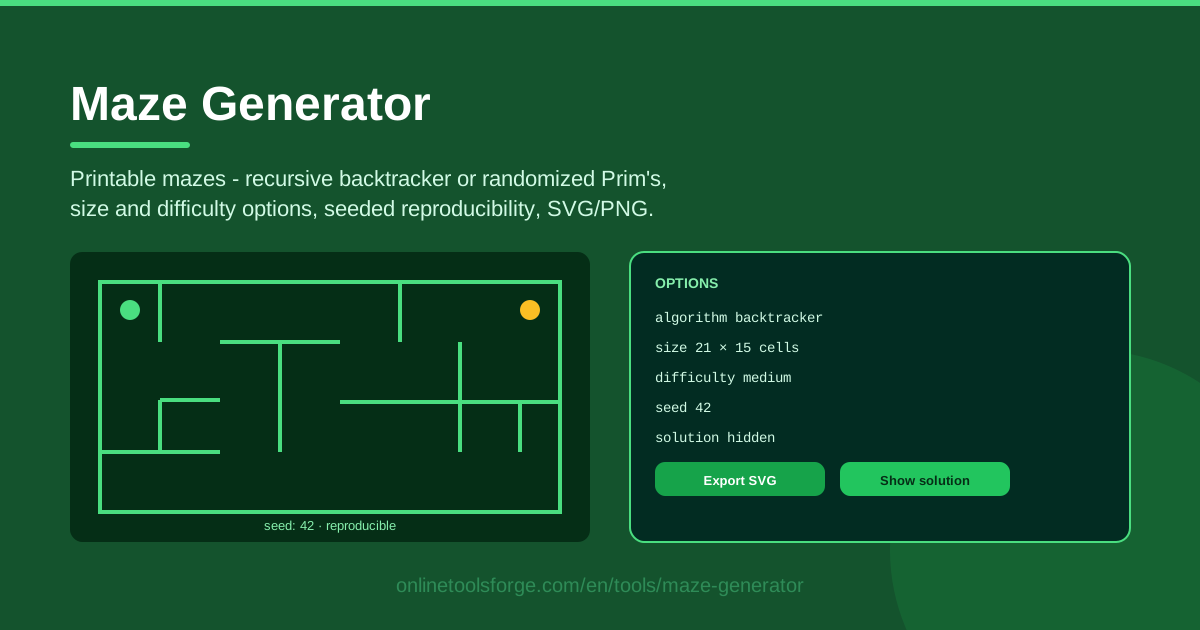
Table of Contents
Few puzzles are as instantly inviting as a good maze: one sheet of paper, one green starting dot, one gold finish, and suddenly everyone from a five-year-old to a grandparent leans in for a closer look. The free Maze Generator at Online Tools Forge puts that magic on demand, creating crisp, printable mazes right in your browser.
What sets this tool apart from the maze images you might screenshot elsewhere is control. You choose the generation algorithm, the maze size, the difficulty, and even a seed — a short code that locks in one exact maze so you can recreate it forever. Need the answer handy? Flip the solution key toggle. Want it on paper? Export as SVG or PNG and print.
This guide covers everything the tool can do, how the two algorithms shape the puzzles you get, and practical ideas for classrooms, parties, and creative projects.
Why Use Maze Generator?
- Seeded reproducibility: the same seed with the same settings always rebuilds the identical maze — ideal for reprinting a lost worksheet or handing the exact same puzzle to a friend.
- Truly printable output: export SVG for razor-sharp lines at any size or PNG for quick inserts into documents and slides, always clean and watermark-free.
- Two genuine algorithms: recursive backtracker and randomized Prim's give each maze a distinct personality you can match to the solver.
- Built-in solution key: one toggle reveals the full start-to-finish path, keeping games fair and disputes short.
- Runs entirely in your browser: generation happens locally on your device, with no uploads, no accounts, and no waiting.
- Scales from kids to experts: size and difficulty options span gentle warm-ups for children and dense, sprawling labyrinths for adults.
Key Features
| Feature | What it does |
|---|---|
| Algorithm choice | Build the maze with recursive backtracker (long winding corridors) or randomized Prim's (dense branching texture) |
| Size options | Pick the grid dimensions, from a ten-second warm-up to a full-page challenge |
| Difficulty setting | Adjust how deceptive the layout is — how far wrong turns lead you astray |
| Seeded generation | Enter a seed to lock in one exact maze you can rebuild any time |
| Solution key toggle | Reveal or hide the complete solution path with a single click |
| SVG export | Download a vector file that stays sharp at any print size |
| PNG export | Grab a raster image for slides, documents, and quick sharing |
| Browser-based | Everything is generated locally; nothing is uploaded anywhere |
A few details worth knowing:
- Difficulty and size work together, so a large, easy maze can be friendlier than a small, hard one — tune both for your audience.
- SVG is the format of choice for print because it scales without blurring, while PNG is more convenient for screens and messaging apps.
- Because the maze is generated in your browser, no account is needed and your puzzles are never stored on a server.
How to Use Maze Generator
- Pick your algorithm and size. Open the Maze Generator, choose between recursive backtracker and randomized Prim's, and select a grid size that suits your solvers.
- Set the difficulty and seed. Choose easy, medium, or hard. Optionally type a seed — any word or number — to pin down an exact maze instead of a random one.
- Generate the maze. Click generate and the maze appears instantly, marked with a green start and a gold end.
- Toggle the solution key. Flip the solution toggle to preview the answer path, then switch it off before printing the solver's copy.
- Export as SVG or PNG. Download your file and print at 100% scale, or drop the PNG straight into a worksheet or slide deck.
Two Algorithms, Two Maze Personalities
The recursive backtracker is the classic maze-builder. It carves one long passage, digging deeper until it hits a wall, then backs up and branches off elsewhere. The result is a maze of long, winding corridors with relatively few — but highly misleading — dead ends. Solvers often feel like they are being led down a beautiful river that suddenly strands them in a canyon far from the exit. If you want mazes that feel dramatic and resist second-guessing, start here.
Randomized Prim's grows the maze from the inside out. Instead of carving one long passage, it keeps extending the structure outward from a frontier of open cells, producing a bushier texture: many short branches, frequent junctions, and plenty of little pockets to explore. These mazes feel less like following a river and more like wandering a cave system where passages split in every direction — a style younger solvers tend to love.
The difficulty setting does more than make the maze bigger. It biases the structure itself: at easier levels, dead ends tend to be short and close to the main path, so a wrong turn costs little. At harder levels, dead ends grow long and run parallel to the real route, punishing confident solvers who take a plausible-looking corridor. Combined with size, it lets you fine-tune exactly how stubborn a maze feels.
A seed is best understood as a shareable maze fingerprint. Because generation is deterministic, the same seed with the same algorithm, size, and difficulty always rebuilds the identical maze. That turns "try to solve maze 4711" into a fair, repeatable challenge between friends, and a coffee-stained worksheet can be reprinted perfectly from a seed scribbled in the corner.
Finally, the solution key exists for fair play. Teachers and party hosts can export two versions of the same maze: a clean one for solvers and a marked one for the referee. When two competitors both claim they reached the exit first, the answer sheet settles it in seconds.
Practical Use Cases
Classroom Activities
Print thirty copies of the same seeded maze so every student races an identical layout — no complaints about anyone getting an easier paper. Use a small, easy maze as a five-minute morning warm-up, keep a stack of medium ones in the early-finisher bin, and hold the solution printout for quick marking.
Birthday Party Game Sheets
Set up a maze station at a kids' party: a low table, crayons, a timer, and two piles of printed mazes sorted by difficulty for different ages. First one out wins a small prize, and any adult can referee using the solution key without solving the maze themselves.
Book and Blog Illustrations
Puzzle book authors and bloggers can use the SVG export for print-ready interiors — the vector format survives print-on-demand pipelines intact — and PNG for web posts and newsletters. Since any maze can be rebuilt from its seed, a lost source file is never a disaster.
CS Lessons on Graph Algorithms
For computer science teachers, the tool is a live demonstration of graph algorithms. The recursive backtracker is essentially depth-first search with its backtracking on full display, while randomized Prim's shows frontier-based, minimum-spanning-tree-style growth. Generate the same seed with both algorithms side by side and students can literally see the difference between the strategies.
Best Practices
- Share the seed with friends. A seed plus the settings is a complete recipe; send it and anyone can generate the very same maze to race you fairly.
- Pick bigger sizes for adults. Small grids look deceptively simple to grown-up eyes, so larger sizes with higher difficulty give adult solvers a real workout.
- Print at 100% scale. Avoid "fit to page" shrinking, which thins the corridors and cramps pencil work — the export is already sized for paper.
- Use the solution key sparingly. Preview the answer yourself before printing, then keep the marked copy hidden until someone genuinely earns it.
- Match the algorithm to the audience. Long backtracker corridors suit patient puzzle fans, while Prim's branching texture keeps younger or impatient solvers engaged.
Ready to make your first maze? Head over to the Maze Generator, pick an algorithm, drop in a seed, and print something devious in under a minute — the green dot is waiting.
Related Tools You Might Like:
- Word Search Generator — build printable word search puzzles from your own word lists.
- Crossword Generator — turn your clues and answers into a ready-to-print crossword grid.
- Word Search Generator — build printable word-search grids from your own vocabulary list.
Your next labyrinth is one click away — happy puzzling!
Frequently Asked Questions
Q: Is the Maze Generator free to use? A: Yes, it is completely free with no account or sign-up required. Everything runs in your browser, so you can generate and export as many mazes as you like.
Q: What exactly is a seed, and why would I use one? A: A seed is a short code that fully determines the maze. The same seed with the same algorithm, size, and difficulty always produces the identical maze, which makes it perfect for sharing challenges or reprinting a lost worksheet.
Q: Should I export my maze as SVG or PNG? A: Choose SVG for printing — it is a vector format that stays razor-sharp at any size. Choose PNG when you want to drop the maze into a document, slide, or chat message.
Q: Can I use the generated mazes in my puzzle book, newsletter, or classroom handouts? A: Yes. The mazes you generate are yours to print and share, and the SVG and PNG exports are clean enough for professional-looking materials, from classroom worksheets to published puzzle books.