Random Team Generator: Split Any List Into Balanced Teams Instantly
Turn any list of names into fair, balanced random teams in seconds. Free online random team generator with team count or team size modes, plus copy and download support.
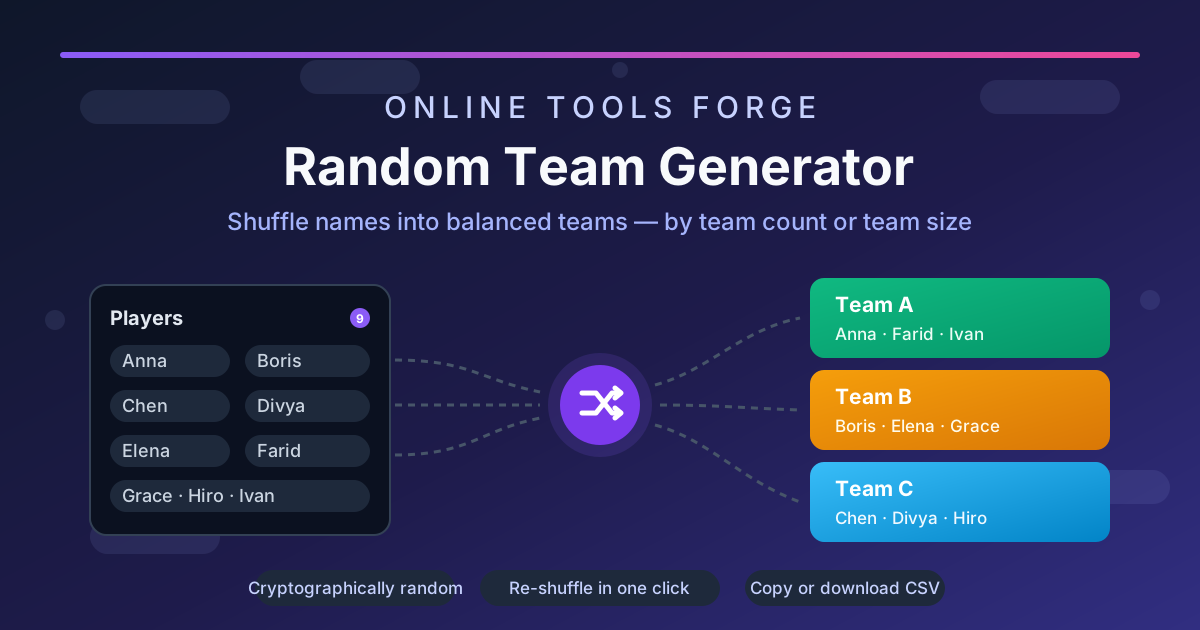
Free Interactive Tool
Random Team Generator
Shuffle names into balanced random teams instantly in your browser.
Table of Contents
Whether you are a teacher dividing a classroom into project groups, a coach organizing a practice scrimmage, or a facilitator kicking off a hackathon, the moment someone has to pick teams, fairness flies out the window. Captains grab their friends. The strongest player gets picked first and the quietest person last. Someone always ends up feeling like the leftover.
A random team generator removes the politics entirely. You paste in the names, choose how many teams you need (or how big each team should be), click a button, and the split is done — randomly, fairly, and without a single argument. Because the draw happens in code and nobody controls it, everyone can see the process is impartial. No slips of paper, no "it was rigged" complaints, and no ten minutes lost to manual counting.
This guide walks you through how the tool works, what happens under the hood when it shuffles, and where a balanced random split beats every other method.
Why Use Random Team Generator?
- No more awkward picking order. Traditional captain-picks eliminate the fun from any activity. A random draw gives every person an equal chance of landing on any team, so nobody is publicly chosen last.
- Balanced by numbers, not vibes. The tool divides people evenly — with 23 people and 4 teams you get sizes of 6, 6, 6, 5 rather than one bloated team and one with a single member.
- Two splitting modes for real-world needs. Fixed the number of teams, or fixed the size of each team — whichever constraint matters for your activity, there is a mode for it.
- Fair randomness you can trust. The shuffle is seeded with the browser's cryptographic random number generator, the same class of randomness used to generate encryption keys — not a naive Math.random() roll.
- Results in under ten seconds. Paste names, click once, done. The whole workflow is faster than finding a bowl and cutting paper slips.
- Copy or download the outcome. Team lists can go straight to your clipboard for a slide deck or be downloaded as a file to share in a group chat.
Key Features
| Feature | What it does |
|---|---|
| Name input | Paste or type one name per line — any count, any names |
| Team count mode | Split everyone into a fixed number of teams (e.g. exactly 3) |
| Team size mode | Keep each team at or under a size (e.g. teams of 4, remainder distributed) |
| Cryptographic shuffle | Fisher–Yates shuffle powered by crypto.getRandomValues |
| Stable results | Generated teams stay on screen until you shuffle again |
| Copy & download | One-click clipboard copy or file download of the team lists |
| No sign-up, 100% free | Runs fully in your browser — nothing to install, no account needed |
A few details are worth highlighting. First, the two modes cover the two questions organizers actually ask: "how many groups do I need?" and "how big should each group be?" Second, the shuffle never sends your list anywhere — everything happens locally in your browser, which means the names are never uploaded or stored. Third, the results panel is plain text, so it drops cleanly into docs, chats, or a whiteboard photo caption.
How to Use
- Open the tool. Go to the Random Team Generator page — it loads instantly and works on phones as well as desktops.
- Paste your names. Enter one name per line in the input box. Any list works: students, colleagues, players, gamertags.
- Choose a mode. Pick team count to fix how many teams you want (for example, 2), or team size to cap how many people each team can hold.
- Generate the teams. Click the generate button and the balanced teams appear immediately, each team listed with its members.
- Copy, download, or re-shuffle. Use the copy or download buttons to save the result, clear the input to start over, or shuffle again if you want a fresh draw.
Understanding the Shuffling Method
The quality of a team split lives and dies by its shuffle. The tool uses the Fisher–Yates algorithm, the textbook-correct way to randomize a list: it walks the array from the end, swapping each element with one chosen at random from the unshuffled portion. Every one of the n! possible orderings is exactly equally likely — no position bias, no first-item advantage.
The randomness itself comes from crypto.getRandomValues, the browser's cryptographic random source, instead of a plain Math.random() call. Practically, this means the shuffle is unpredictable and unbiased: where Math.random() is fine for dice games, crypto.getRandomValues is the same family of randomness used for security-sensitive purposes like generating encryption keys.
Splitting then works differently per mode. In team count mode, the shuffled list is dealt out so that team sizes differ by at most one — 23 people into 4 teams yields 6, 6, 6, 5, never 8 and 1. In team size mode, the list is chunked at your cap and any remainder is distributed, so "teams of 4" with 22 people produces five teams of 4 and one team of 2. Both modes guarantee every name appears exactly once — nobody is duplicated or dropped.
One more property matters: the generated teams are stable until you act. The result is computed once per shuffle and kept on screen, so an accidental extra click cannot silently destroy your teams. You stay in control of when a new draw happens.
Practical Use Cases
Classrooms and Study Groups
Teachers use the tool to form project groups, lab pairs, or discussion teams without student politics. With team size mode, a class of 31 can be split into groups of 4 in one click, and the randomness defuses the "why am I with them?" complaints — the draw decides, not the teacher's mood.
Sports and Recreational Leagues
Coaches and league organizers balancing a scrimmage or a tournament bracket can randomize sides in seconds. For pickup games where skill ratings do not exist, a random split is the fastest fair start — and re-shuffling between rounds keeps rotating the lineups.
Hackathons, Workshops, and Team-Building Events
Facilitators breaking a room of strangers into working groups get instant, defensible teams. At a 40-person workshop, team count mode gives you exactly the 8 tables you have in the room. Random grouping also mixes departments and cliques better than self-selection ever will.
Stand-ups, Pair Work, and Daily Rotations
Agile teams use a random draw to pair programmers for mob sessions, group reviewers for code rotations, or shake up daily stand-up order. Because the whole flow runs in one browser tab, it fits naturally into the first two minutes of a meeting.
Best Practices
- One name per line, consistently. Clean input is the single biggest quality factor — a merged line becomes one "person," so paste carefully and remove blanks.
- Use nicknames people recognize. Short, unambiguous names make the result readable at a glance when you announce teams.
- Pick the mode that matches your constraint. Fixed room count? Use team count. Fixed group-size policy? Use team size. Do not fight the wrong mode.
- Copy the result before re-shuffling. Re-shuffling overwrites the current teams — save the draw you like before rolling a new one.
- Announce the method to defuse disputes. Telling the group "it was a cryptographic shuffle" ends fairness debates faster than any explanation of captain choices.
- Re-shuffle between rounds. For multi-round events, fresh draws between rounds keep interactions new without any record-keeping.
Frequently Asked Questions
Q: Is the random team generator really free?
A: Yes — 100% free, with no sign-up, no watermark, and no usage limits. It runs entirely in your browser.
Q: How many people can I split at once?
A: There is no hard cap. The list handles dozens of names comfortably, which covers classrooms, departments, and most event sizes.
Q: What is the difference between team count and team size mode?
A: Team count mode fixes the number of teams and divides people among them as evenly as possible. Team size mode caps how many people each team holds and creates as many teams as needed.
Q: Are the teams truly random and fair?
A: Yes. The tool applies a Fisher–Yates shuffle seeded from crypto.getRandomValues, the browser's cryptographic random source, so every arrangement is equally likely with no position bias.
Q: Does my name list get uploaded anywhere?
A: No. All processing happens locally in your browser — the names never leave your device.
Ready to end the picking-order arguments for good? Paste your list into the Random Team Generator and get balanced teams in one click — free, instant, and completely in your browser.
Related Tools You Might Like:
- Random Name Picker — draw one winner from a list
- Line Shuffler — randomize the order of any list
- Spin the Wheel — pick with a spinning wheel animation
Happy shuffling!