Review Rating Calculator: How Many 5-Star Reviews Do You Need?
The Review Rating Calculator shows exactly how many five-star reviews you need to reach a target average rating from your current review count and score — instant, exact, and fully client-side.
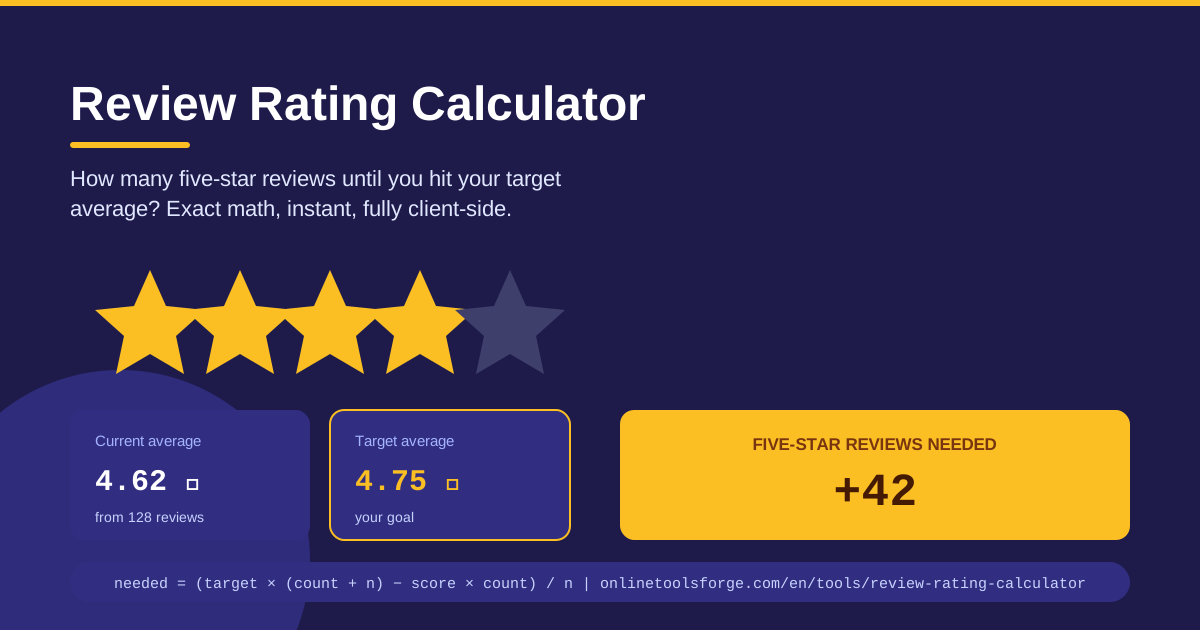
Table of Contents
Your star rating is often the first thing a customer sees before they visit your website or walk through your door. Whether you run a restaurant, a plumbing company, or a mobile app, that small cluster of stars can decide who clicks, who calls, and who scrolls past. The Review Rating Calculator removes the guesswork: enter your current average rating and review count plus a target average, and it tells you exactly how many consecutive five-star reviews you need to get there.
Most owners react to a disappointing rating in one of two ways — they panic and chase every review they can find, or they assume the number is stuck. Neither works, because ratings follow simple, unforgiving average math. A rough patch cannot be repaired by three happy customers alone, but knowing precisely what it takes turns a vague hope into a plan you can start executing this week.
Why Use Review Rating Calculator?
- Exact answers, not estimates: Get the precise number of five-star reviews required to cross your target threshold instead of wondering whether twenty more will be enough.
- Smarter review campaigns: Knowing you need forty reviews rather than a few lets you build a real campaign — table cards, receipts, follow-up emails — with a clear finish line.
- Realistic goal setting: See when a 5.0 target is mathematically out of reach, and commit to achievable milestones like 4.5 instead of chasing the impossible.
- Faster recovery decisions: One bad month can drag an average down for years; the calculator shows the shortest mathematical path back to a respectable score.
- Works on any star platform: Google Maps, Yelp, the App Store, Google Play, Trustpilot — anywhere stars are averaged, the math is identical.
- Instant and private: Results appear as you type, and everything runs fully client-side, so your business data never leaves your device.
Key Features
| Feature | What it does |
|---|---|
| Current average rating | Enter the star score you have today, such as 4.2 |
| Current review count | Enter how many reviews sit behind that average |
| Target average | Set the rating you want to reach, such as 4.5 or 4.7 |
| Exact five-star count | Computes precisely how many consecutive five-star reviews are needed |
| Instant results | Updates the moment you change any input |
| Fully client-side | Runs entirely in your browser; no data is uploaded or stored |
A few details worth highlighting:
- Best-case planning: The result assumes every new review is a perfect five — the most honest scenario to plan around, and a nudge to ask your happiest customers first.
- Multi-target comparison: Run the numbers at 4.4, 4.5, and 4.6 to see how sensitive the requirement is, then pick the goal with the best effort-to-payoff ratio.
- Zero friction: No account, no installation, no tracking.
How to Use Review Rating Calculator
- Open the tool on any phone, tablet, or computer at Review Rating Calculator — it runs in any modern browser.
- Enter your current average rating, for example 4.2, from your Google Business Profile, app store listing, or review dashboard.
- Enter your current review count, the total number of reviews behind that average, such as 130.
- Enter your target average, the rating you are aiming for, such as 4.5.
- Read the result instantly: the tool shows exactly how many five-star reviews in a row you need. Write the number down and turn it into a weekly goal.
The Math Behind Rating Recovery
Every star rating is a weighted average of individual reviews. If you have C reviews averaging A stars and add n new five-star reviews, the new average equals (A × C + 5 × n) ÷ (C + n). Solving for the count needed to reach a target T gives a compact formula: n = C × (T − A) ÷ (5 − T). A business sitting at 4.0 across 100 reviews that wants 4.5 needs 100 × 0.5 ÷ 0.5 = 100 five-star reviews. The same business chasing 4.9 would need 100 × 0.9 ÷ 0.1 = 900 — nearly ten times the effort for less than half a star of visible progress.
Why early bad reviews fade. A single one-star review among ten costs you four-tenths of a point if the rest were fives. That same review buried among five hundred costs about eight-thousandths of a point. Volume is armor: the more reviews you accumulate, the less any single unhappy customer moves the needle, and the more your improving service counts.
Diminishing returns near 5.0. As the target approaches five, the denominator (5 − T) shrinks toward zero and the required count explodes. Moving from 4.8 to 4.9 with 1,000 reviews demands another thousand perfect reviews. Almost no business crosses 4.95 and stays there, which is why chasing a perfect score is usually wasted effort.
Realistic targets win. For most local businesses, the sweet spot is 4.5 to 4.7. Consumers treat anything above roughly 4.3 as trustworthy, and platforms round displayed ratings anyway. Set a target the math supports, reach it, then set the next one.
Practical Use Cases
Restaurants Chasing 4.5 on Google Maps
A neighborhood restaurant sits at 4.3 from 240 reviews — solid, but competitors display 4.5 and it shows in click-through rates. The math says 240 × 0.2 ÷ 0.5 = 96 five-star reviews are needed. That sounds heavy until the owner splits it into a campaign: a QR code on receipts inviting happy diners to review, about two five-star reviews per weekday. In roughly ten weeks, the listing crosses 4.5.
App Store and Google Play Rating Goals
An app at 4.1 across 8,000 ratings wants to clear 4.3, a threshold many users treat as a filter. The formula gives 8,000 × 0.2 ÷ 0.7, about 2,286 five-star ratings. That is why developers pair this math with in-app prompts shown right after a successful moment — a saved file, a finished workout — which is when five-star ratings actually happen. The calculator sets the destination; the prompt strategy gets you there.
Service Businesses After a Rough Patch
A cleaning company lost staff during a crisis and collected eleven bad reviews, falling from 4.8 to 4.4 on 90 reviews. The recovery math is encouraging: 90 × 0.1 ÷ 0.5 = 18 perfect reviews restores 4.5. With a small base, every five-star review moves the average visibly, so the owner watches the number climb weekly and shows that progress to prospective clients.
Marketplace Seller Thresholds
Marketplaces gate perks behind ratings: featured placement may require 4.6 while a warning email arrives below 4.2. A seller at 4.3 across 350 orders can compute that 4.6 needs about 263 five-star reviews — ambitious — while 4.5 needs just 140. Comparing those two numbers is exactly how you decide which threshold to fight for first.
Best Practices
- Earn reviews honestly: Ask every genuinely satisfied customer — the five-star scenario only becomes real through real experiences.
- Never buy or fake reviews: Platforms detect and remove them, and the penalties plus lost trust cost far more than the rating was worth.
- Ask after positive moments: Right after a compliment, a repeat order, or a problem solved well is when customers say yes and leave fives.
- Respond to negative reviews: A calm, solution-oriented reply often earns an updated rating and reassures everyone who reads it later.
- Track progress weekly: Recalculate as your count grows; each milestone makes the next target feel closer.
- Pair numbers with fixes: The calculator tells you how many reviews you need; fixing root causes — wait times, packaging, follow-up — determines whether they arrive.
Ready to turn your rating from a worry into a plan? Open the Review Rating Calculator, enter your current average and review count plus your target, and get your exact number of five-star reviews in seconds — free, private, and fully client-side.
Related Tools You Might Like:
- Average Calculator — compute simple and weighted averages for any set of numbers, including your full review history.
- Percentage Calculator — work out response rates, improvement percentages, and growth targets at a glance.
- Grade Calculator — the same average math applied to weighted scores and grade targets.
Happy calculating!
Frequently Asked Questions
Q: How many five-star reviews do I need to raise my rating from 4.2 to 4.5? A: It depends on your review count. With 100 reviews you need 60 perfect reviews; with 1,000 you need 600. Enter your own numbers into the Review Rating Calculator to get the exact figure in one second.
Q: Can a business ever reach a perfect 5.0 average? A: Only if your current average is already 5.0 — any earlier review below five stars makes 5.0 permanently unreachable, no matter how many perfect reviews follow. That is why 4.5 to 4.7 is a far more practical target.
Q: Does the calculator store my data or require an account? A: No. The tool runs fully client-side in your browser: your inputs never leave your device, nothing is saved, and there is no sign-up.
Q: Does this work for platforms other than Google, like Yelp or the App Store? A: Yes. Any platform that displays a simple average of star ratings uses the same math, so the required five-star count applies equally to Yelp, TripAdvisor, Google Play, Etsy, and marketplace seller scores.