Barbell Plate Calculator: Load the Right Plates Every Time
The Barbell Plate Calculator shows you exactly which plates to load per side for any target weight, using kg or lb plates, your own plate inventory, and your bar weight.
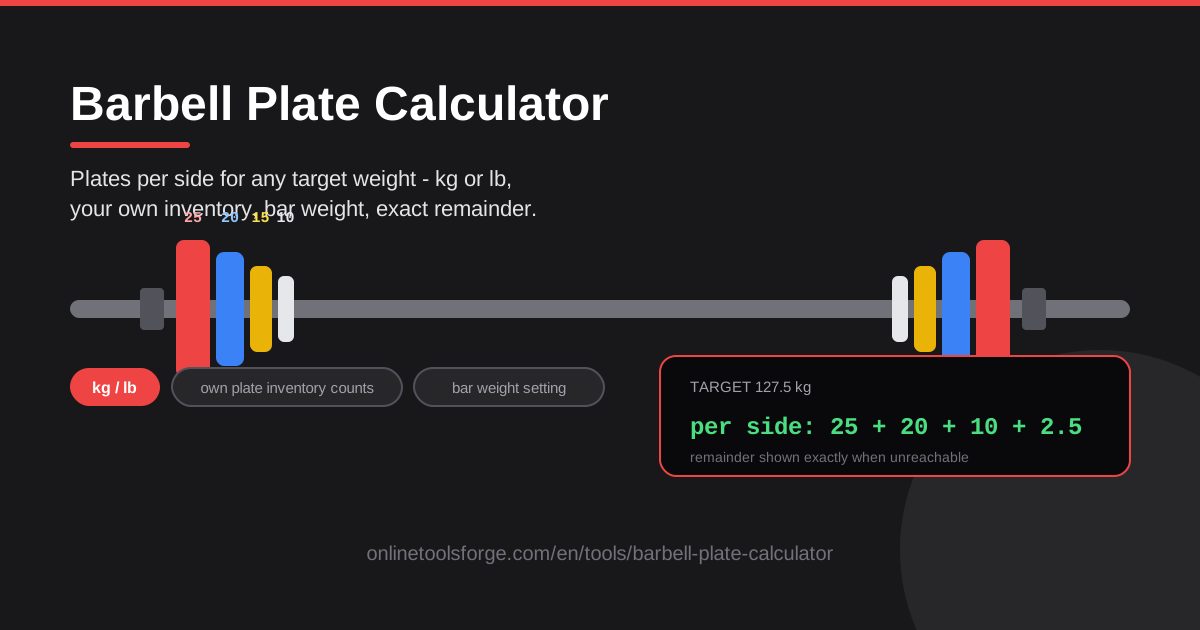
Table of Contents
Every lifter has stood in front of the plate rack doing mental arithmetic while the rest timer ticks down. Your program says 102.5 kg, your bar weighs 20 kg, and suddenly you are dividing numbers between breaths. The Barbell Plate Calculator takes that job off your hands: type in a target weight and it tells you exactly which plates to load on each side, using only the plates you actually own.
What makes this tool more than a printed plate chart is that it adapts to your real setup. It handles kg denominations (25, 20, 15, 10, 5, 2.5, 1.25 kg) and lb denominations (45, 35, 25, 10, 5, 2.5 lb), lets you pick your bar weight — a 20 kg Olympic bar, a 15 kg women's bar, or a custom value — and accepts your plate inventory counts so it never suggests plates you do not have. When a target cannot be reached exactly, it shows the precise remainder instead of silently rounding.
Because it runs entirely in the browser with no signup, it works just as well on your phone between sets as on a laptop while you plan the week. This guide covers how to use it, the math behind it, and where it saves the most time.
Why Use Barbell Plate Calculator?
- Instant plate math. Enter any target — 60 kg, 137.5 lb, an awkward percentage from your spreadsheet — and get a clean per-side loading list.
- kg and lb support. Train in a metric gym one week and an imperial gym the next without relearning anything.
- Inventory-aware loading. Say you own two 10 kg plates and no 25s; every suggestion is built around what is actually on your rack.
- Configurable bar weight. A 20 kg Olympic bar, 15 kg women's bar, or custom value — the math always starts from the true bar weight.
- Exact remainders. When a target is unreachable, you see the exact leftover weight instead of a load that quietly misses the plan.
- Zero friction. No account, no install — open the page, get your answer, get back under the bar.
Key Features
| Feature | What it does |
|---|---|
| Target weight input | Enter any goal weight and the loading is computed instantly. |
| Per-side plate list | Shows which plates go on each side, heaviest to lightest. |
| kg and lb denominations | Supports 25/20/15/10/5/2.5/1.25 kg and 45/35/25/10/5/2.5 lb plates. |
| Plate inventory counts | Suggestions only include plates you actually own. |
| Configurable bar weight | 20 kg Olympic, 15 kg women's, or any custom bar. |
| Remainder reporting | Shows the exact remainder when the target cannot be matched. |
| Browser-based | Nothing to install; your data never leaves your device. |
Two capabilities deserve a closer look. Inventory-aware loading is what separates this tool from a chart on the wall: because it knows your real plate counts, it finds the best achievable combination with your set, not an ideal one from a fully stocked gym. Exact remainder reporting keeps your log honest — you always know the true load on the bar, not just the planned one.
How to Use Barbell Plate Calculator
- Set units and bar weight. Choose kg or lb, then pick the bar you are using: 20 kg Olympic, 15 kg women's, or a custom weight for specialty bars.
- Enter your plate inventory. Add how many of each denomination you own. In a commercial gym you can be generous; in a garage gym, count honestly so suggestions match reality.
- Type your target weight. Enter the total load exactly as written in your program.
- Load from the per-side list. The tool lists the plates for one side, heaviest first — mirror them on the other side and you are set.
- Check the remainder. If the target was not exactly reachable, read the remainder and decide whether to accept the nearest load or adjust the target.
Plate Math Explained
Plate loading looks intimidating until you break it into three steps, all of which the calculator automates.
Subtract the bar first. Every written target includes the bar itself. With a 20 kg bar and a 100 kg target, the plates must supply 80 kg. This is where real-gym mistakes happen: running a program written for a 20 kg bar on a 15 kg women's bar quietly removes 5 kg from every set, which is exactly why bar weight is configurable in the tool.
Split per side. A barbell must be loaded symmetrically or it becomes unbalanced and unsafe to lift. Plate weight is therefore always divided by two — 80 kg of plates means 40 kg per side — and every plate added to one side must be mirrored on the other. That is why the calculator reports a per-side list rather than a pile of plates.
Load greedily, heaviest first. The standard method — and what the tool does — is to take as many of the largest plate as fits, then the next largest, and so on: 40 kg per side becomes one 25 kg, one 10 kg, and one 5 kg. Greedy loading also minimizes the number of plates on the bar, which means less shuffling between sets.
Why remainders happen. Standard plates step down to 1.25 kg (or 2.5 lb) per side, so the smallest possible jump between two loads is 2.5 kg (5 lb) total. Any target off that grid — a 97.4 kg figure produced by a percentage calculation, say — cannot be built exactly. Rather than hiding the gap, the calculator reports the exact remainder so you can accept the nearest load knowingly.
Converting kg and lb plates. One kilogram is 2.20462 pounds, so conversions never land cleanly: a 20 kg bar is sold as a 45 lb bar, a 25 kg plate is roughly 55 lb, and a 10 kg plate is about 22 lb. If your program is in kg but your plates are in lb (or the reverse), convert the target, run it through the calculator, and use the remainder readout to settle on the nearest loadable weight.
Practical Use Cases
Programming Percentages of Your 1RM
Percentage programs produce awkward numbers constantly: 80% of a 140 kg squat is 112 kg, and 87.5% is 122.5 kg. Pair the one-rep max calculator with the plate calculator and every working set becomes a concrete, loadable list — no rounding drift across a twelve-week block.
Garage Gyms with a Limited Plate Set
Most home lifters start with a single pair of each plate and no change plates to spare. Enter your real inventory once and every suggestion is guaranteed loadable. The remainders you keep hitting also double as a shopping list: they tell you exactly which plate to buy next.
Converting a kg Program to lb Plates
A set written at 102.5 kg converts to about 226 lb. On a 45 lb bar that leaves 181 lb of plates, or 90.5 lb per side — which standard lb plates cannot hit exactly. The calculator shows you land at 225 lb with a 1 lb remainder, close enough to preserve the intended stimulus. Doing that arithmetic by hand for every set of every session is the tedious, error-prone work the tool removes.
Coaching Multiple Lifters on One Platform
A coach juggling three athletes with different bars and different targets can punch each load into the calculator in seconds and hand each lifter a per-side list. It also improves communication: "25, 10, and a 2.5 per side" is much harder to mishear than a total weight.
Best Practices
- Verify the bar weight. Some "20 kg" bars are 20.4 kg, and fixed or specialty bars vary widely; when in doubt, use the custom bar field.
- Count inventory honestly. Overstating your plates produces loads you cannot build; understating needlessly inflates remainders.
- Load symmetrically, always. Mirror every plate on both sides — never add a plate to one side only, even for a quick single.
- Collar every lift. Collars keep plates from sliding, especially with several small plates stacked near the sleeve end.
- Keep warm-up jumps sensible. Tiny increments matter for top singles; for warm-ups, bigger jumps (bar, then roughly half, then three-quarters) are a better use of energy.
- Log the real load. When you accept a load with a remainder, record the actual weight so your progression math stays accurate.
Ready to stop doing arithmetic between sets? Open the Barbell Plate Calculator, set your bar and plates once, and every target in your program becomes a simple loading list you can act on immediately.
Related Tools You Might Like:
- One Rep Max Calculator — estimate your 1RM and feed accurate percentages into every loading calculation.
- Interval Timer — run timed sets and rests so your plate changes always happen on schedule.
- Macro Calculator — back your training with protein, carb, and fat targets that match the work.
Happy lifting!
Frequently Asked Questions
Q: Does the Barbell Plate Calculator work with both kg and lb plates? A: Yes. One setting switches between kg denominations (25, 20, 15, 10, 5, 2.5, 1.25 kg) and lb denominations (45, 35, 25, 10, 5, 2.5 lb), and the per-side list updates accordingly.
Q: What bar weight should I use? A: Use 20 kg for a standard men's Olympic bar, 15 kg for a women's Olympic bar, and the custom option for anything else, such as EZ bars, trap bars, or technique bars. The math is only as accurate as the bar weight you enter.
Q: Why can't I hit my exact target weight? A: Standard plates step down to 1.25 kg (2.5 lb) per side, so targets must fall on a 2.5 kg (5 lb) grid to be exactly reachable. When a target misses that grid, the calculator shows the exact remainder and the nearest achievable load.
Q: Do I need to install anything or create an account? A: No. The calculator runs entirely in your browser, requires no signup, and never sends your data anywhere — your plate inventory stays on your device.