Bubble Level Online: Turn Your Phone Into a Real Spirit Level
Bubble Level turns any phone or laptop into a spirit level with live two-axis tilt readings, a moving bubble and one-tap calibration — entirely on-device and free.
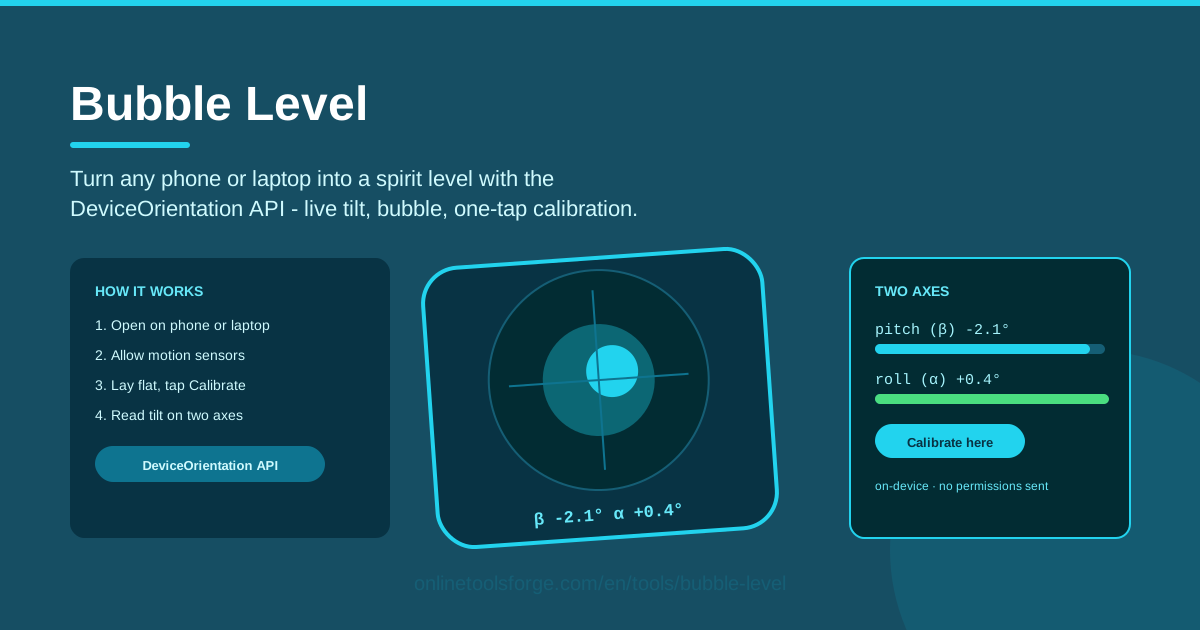
Table of Contents
You are halfway up a ladder with a picture frame in one hand, the wall already marked — and the spirit level is somewhere in the garage. Most people eyeball it at this point. The better option is already in your pocket: Bubble Level turns any phone or laptop with motion sensors into a working spirit level, right in the browser. No app store, no download, no sign-up.
Open the tool, grant motion access, and lay the phone flat on the surface you want to check. You immediately get live tilt degrees on two axes — pitch and roll — next to a moving bubble that behaves just like the vial in a traditional spirit level. If you want to measure against a reference angle instead of true horizontal, one tap on the calibrate button sets your current position as zero.
Everything also runs entirely on-device: the readings are calculated by your browser and never sent anywhere. In this guide we cover why a phone level is so practical, how the sensors actually measure tilt, and where the tool fits into real jobs around the house, the workshop and the campsite.
Why Use Bubble Level?
- Always in your pocket: your phone is the one tool you never leave behind, so a level is never more than a few taps away.
- Entirely on-device: readings are computed in your browser through the DeviceOrientation API and are not uploaded, logged or shared with anyone.
- Two-axis readout: pitch and roll are shown together, so you catch the twist that a single-axis bubble would miss.
- One-tap calibration: set any position as zero to measure relative angles or match an existing slope.
- Works on phones and laptops: both are supported wherever motion sensors are available, so use whichever device is closest.
- No install and no cost: it runs in the browser and asks for nothing beyond motion permission.
Key Features
| Feature | What it does |
|---|---|
| Live tilt readout | Displays pitch and roll in real time, in degrees, on two separate axes. |
| Moving bubble | A bubble visual that drifts across the vial exactly like a physical spirit level. |
| One-tap calibration | Sets the current position as zero so later readings become relative angles. |
| DeviceOrientation API | Reads the device motion sensors directly through the browser — no plugins. |
| On-device processing | All calculations happen locally; readings are never transmitted anywhere. |
A few details worth calling out:
- The bubble animates smoothly as you tilt the device, giving instant visual feedback just like a physical vial.
- The numbers matter as much as the bubble: you can read a slope as 2.4 degrees instead of guessing by eye.
- Calibration is instant and repeatable — tap again at any time to re-zero on a new surface.
How to Use Bubble Level
- Open the tool on your phone. Visit the Bubble Level page in your mobile browser. Nothing needs installing — the page loads and you are ready to go.
- Grant motion access. When prompted, allow motion and orientation access. This is what lets the browser read the device's motion sensors.
- Lay the phone on the surface. Place the device flat on the shelf, table or appliance you want to check, screen facing up.
- Tap calibrate for relative angles. To compare against a reference rather than true horizontal, tap the calibrate button while the phone rests at your chosen zero position.
- Read the tilt on both axes. Watch the bubble settle, then check the pitch and roll numbers. Adjust the surface until both readings sit where you want them.
How Phone Sensors Act as a Level
Every smartphone carries a tiny accelerometer that measures acceleration along three axes. When the phone sits still, the only acceleration acting on it is gravity — so by sensing which way gravity pulls, the chip can calculate exactly how the device is tilted relative to the earth.
The browser exposes this information through the DeviceOrientation API. Two values matter for leveling: beta, the front-to-back tilt (pitch), and gamma, the side-to-side tilt (roll). Bubble Level samples both many times per second and renders them as a numeric readout plus the familiar moving bubble.
Calibration is what makes the tool genuinely flexible. A physical level answers one question — "is this horizontal?" A calibrated phone level answers a second: "how does this surface compare to the position I just zeroed?" Tap calibrate while the phone rests at your reference angle, and every later reading becomes relative to that baseline. That is ideal for matching an existing slope, transferring an angle between rooms, or checking whether two surfaces agree.
How close is it to a real spirit level? Phone accelerometers typically resolve tilt to around a tenth of a degree, which is plenty for frames, appliances and furniture. A machinist's grade level still wins for precision metalwork, and a sensor's zero point can drift slightly with temperature — but for everyday household tasks the difference is rarely visible to the eye.
One quirk to know about: on iOS, Safari only grants motion sensor access after an explicit user gesture, as a privacy measure. That is why the tool asks for permission the moment you tap to start — accept the prompt once and the readings will flow normally.
Practical Use Cases
Hanging Picture Frames and Wall Art
Nothing betrays a weekend of decorating like a frame leaning two degrees to the left. Rest the phone on the frame's bottom edge and nudge it until the bubble centers. For a gallery wall, calibrate on the first frame and match every other frame to it using the relative readout — far faster than re-measuring each one.
Leveling a Washing Machine or Camera Tripod
An unlevel washing machine grows noisy and can slowly walk across the floor. Lay the phone on top of the machine and turn the feet until pitch and roll read near zero. The same trick levels camera tripods and projector stands, where a two-axis readout is often quicker than shuffling a physical bubble around the head.
Checking a Desk, Shelf, or Bookcase
Before loading a shelf with books, run the phone along it to spot sag or a twist in the wall mounting. A slight desk tilt can be deliberate for ergonomics — calibrate at your preferred angle and the readout lets you reproduce it exactly after cleaning or rearranging the furniture.
Campervan and Caravan Leveling
Absorption fridges in campervans and caravans need to run reasonably level to avoid damage, and a level floor makes sleeping far nicer too. Place the phone on the floor inside the vehicle, drive onto the levelling ramps until the bubble settles, and you are done in under a minute — no crawling under the chassis with a spirit level.
Best Practices
- Calibrate on a known-flat surface such as a stone countertop when you need true horizontal rather than a relative baseline.
- Measure on the object itself, not on a tablecloth or mat — fabric hides exactly the tilt you are hunting for.
- Re-check after moving the phone; a new position or a bumped table can shift your zero point.
- Sample more than one spot on long surfaces — shelves can be level at one end and sag at the other.
- Let the bubble settle for a second before trusting the number on screen.
- Use a real level for construction-critical work like structural framing or drainage falls, keeping the phone as a quick double-check.
Ready to try it? Open Bubble Level on your phone, lay it on the nearest shelf, and see how close your furniture sits to true — it takes about ten seconds and costs nothing.
Related Tools You Might Like:
- Motion Sensor Tester — confirm your accelerometer and gyroscope report correctly before trusting a tilt reading.
- Microphone Tester — check that your microphone captures sound clearly, right in the browser.
- Camera Tester — verify your webcam works and preview the image without installing anything.
Happy leveling!
Frequently Asked Questions
Q: How accurate is Bubble Level compared to a real spirit level? A: Phone accelerometers usually resolve tilt to about a tenth of a degree, which is more than enough for frames, shelves and appliances. A precision machinist's level is still the better choice for critical construction work, but for everyday tasks around the home the two are effectively interchangeable.
Q: Why does my iPhone ask for motion permission before showing readings? A: iOS requires websites to request motion and orientation access through an explicit user gesture, as a privacy measure. Tap to start the tool and accept the prompt once — the readings will then work normally.
Q: What does the calibrate button actually do? A: It records your phone's current tilt as the new zero point. Every reading after that becomes a relative angle — useful for matching an existing slope, comparing two surfaces, or compensating for an uneven reference.
Q: Does Bubble Level send my sensor data anywhere? A: No. Everything is computed in your browser on your own device. No tilt readings, no motion data and nothing else from your session is uploaded, stored or shared.