Helm Lint Checker: Catch Chart Errors Before Your CI Pipeline Does
Helm Lint Checker catches missing required values, template syntax errors, unbalanced braces, and YAML issues in your Helm charts with per-line diagnostics — instantly, right in your browser.
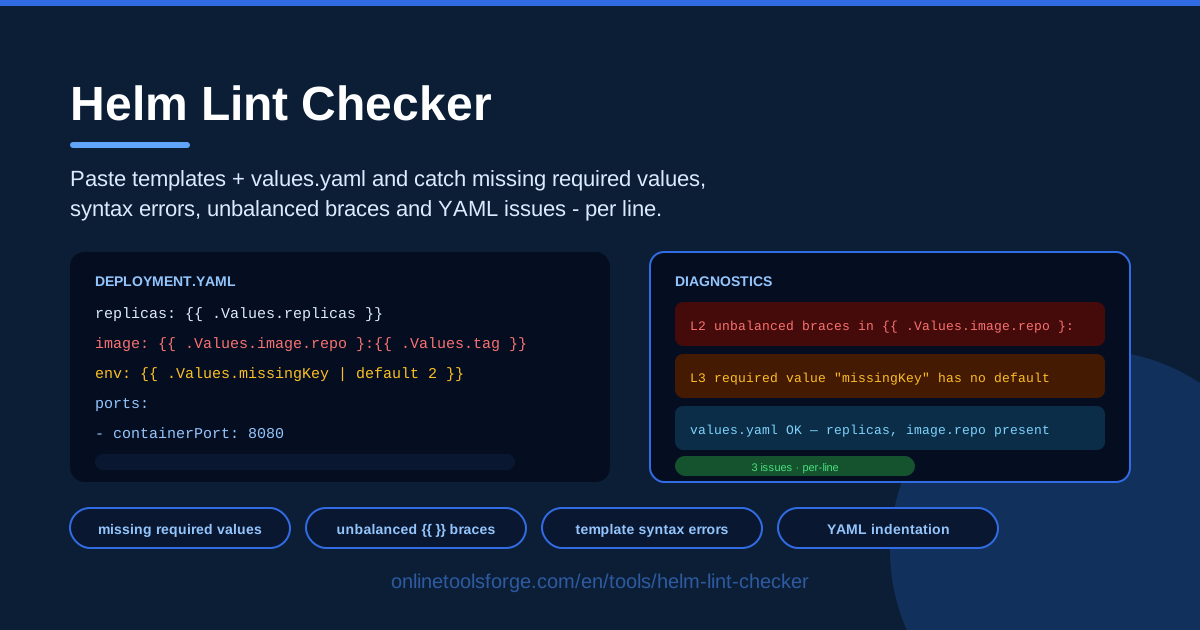
Table of Contents
A Helm chart is really two languages stacked on top of each other — Kubernetes YAML and Go template expressions — glued together by values that may or may not exist. That combination is powerful, and it is also why so many broken charts stay invisible until a pipeline fails minutes after you push. A missing quote, an unclosed template action, a values key nobody defined: each one is silent until helm lint finally runs.
The Helm Lint Checker moves that feedback to the moment you write the template. Paste your chart template and your values.yaml, and you get per-line diagnostics in your browser: template syntax errors, unbalanced {{ }} braces, keys referenced in the template but never provided in values, and YAML issues — each flagged instantly with the exact line where the problem starts.
Everything runs client-side. There is no cluster to connect, no Helm binary to install, and nothing uploaded to a server, which makes the tool equally useful for debugging a failed release, reviewing a teammate's chart, or working through Helm templates for the very first time.
Why Use Helm Lint Checker?
- Catch errors before CI does. Every issue found here is one your pipeline would catch minutes later, after a full build cycle. Fixing a syntax error takes seconds; waiting for CI to tell you about it does not.
- Per-line diagnostics. Instead of one vague parse error, you get a line number and a short explanation for each problem — no more counting braces by eye.
- Missing values surfaced early. Keys referenced as .Values.something but absent from your values file are flagged before they render empty into a manifest or crash the install.
- Zero setup. Open the page and paste. No Helm installation, no cluster access, no plugins, no account.
- Safe for private charts. All parsing happens in your browser, so proprietary templates and internal values never leave your machine.
- A faster Helm learning curve. Precise, per-line explanations of what went wrong teach template rules faster than documentation alone.
Key Features
| Feature | What it does |
|---|---|
| Template syntax checking | Parses Go template expressions and flags invalid constructs, bad pipelines, and malformed actions with line numbers. |
| Unbalanced brace detection | Finds {{ actions that are never closed and stray closing braces that break parsing. |
| Missing value detection | Cross-references .Values keys used in your template against the pasted values.yaml and reports keys that are never provided. |
| YAML validation | Catches indentation mistakes, broken mappings, and structural errors in your values file. |
| Per-line diagnostics | Every issue carries a line number so you can jump straight to the fix. |
| Browser-based execution | All analysis runs client-side, so results are instant and nothing is uploaded. |
- The values cross-check saves the most time: it compares what the template asks for with what your values file actually supplies — exactly the mismatch that slips through local testing.
- Diagnostics refresh as you edit, so the loop of fixing one brace and re-reading the list takes seconds.
- Plain-text output pastes cleanly into pull request comments, tickets, and team chat.
How to Use Helm Lint Checker
- Paste your Helm template. Copy the contents of the template file you want to check — a deployment, a service, a helpers file — into the template pane.
- Paste your values.yaml. Add the values that will actually be supplied at install time, whether that is the chart's default values.yaml or an environment-specific override.
- Read the per-line diagnostics. Each reported issue includes a line number and a short explanation, ordered so you can work from the top of the file down.
- Fix the issues. Balance the braces, add missing keys to values.yaml or wrap their references in the default function, and correct any YAML indentation the tool points out.
- Re-check. Paste the corrected version and confirm the diagnostics come back clean before you commit.
What Helm Lint Catches Before CI Does
Template syntax versus values resolution. Helm template failures fall into two very different classes. Syntax errors are structural: the template engine cannot parse the file at all, so nothing renders. Values errors are semantic: the template parses, but a reference points at data that does not exist, producing empty output or a hard failure at install. The checker reports both, clearly separated, so you know which kind of fix each problem needs.
Unbalanced brace symptoms. An unclosed {{ if or a stray closing }} produces misleading results: everything after the orphaned brace gets swallowed or misparsed, so the error CI reports often points at a line that looks perfectly fine. Per-line brace checking removes that misdirection — you see the real line, not the downstream casualty.
Missing required values and the default function. A reference like .Values.resources.limits.memory looks harmless until someone installs the chart with a values file that omits it. Good charts make intent explicit: wrap optional references in default, such as {{ .Values.replicaCount | default 1 }}, and treat everything else as a hard requirement. The checker flags referenced-but-unprovided keys so you can decide, key by key, which treatment each one deserves.
YAML indentation traps. Two spaces versus four, a tab that sneaks in during a copy-paste, a list item aligned with the wrong parent — YAML treats all of these as structural changes, and the resulting error messages rarely mention the real line. Validating the values file alongside the template catches these before they cascade into confusing render output.
What still needs a real render. The checker validates a template against the values you give it. It cannot resolve chart dependencies, contact a cluster, or evaluate anything that depends on rendered output. A full helm template run still has the final word — this tool's job is to make sure it almost never has anything to say.
Practical Use Cases
Debugging a failed release
A deploy fails with a cryptic template error minutes after you pushed. Instead of guessing, paste the failing template and the values used for that environment into the checker. The per-line diagnostics usually isolate the real cause — often a typo in a named template reference or a values path that does not exist — in under a minute.
Reviewing a teammate's chart
When a pull request modifies a chart, paste the changed template and the values file into the checker before you approve. You get an objective second opinion on syntax and value coverage in seconds, and you can leave specific, line-referenced comments instead of a vague "does this lint clean?"
Learning Helm template syntax
If you are new to Go templates, the fastest way to internalize the rules is to break them on purpose. Paste a working template, delete a closing brace, remove a values key, and read what the diagnostics say. Each message explains what the parser expected, which builds intuition faster than reading documentation.
Onboarding to an inherited chart
Charts you inherit rarely come with documentation. Run the templates and values through the checker to build a quick map of which values each template consumes, which keys are referenced but never defined, and where the fragile spots are — before your first production deploy, not after.
Best Practices
- Quote everything in templates. Wrap interpolated values in quote so empty or unset values produce an empty string instead of <no value> in your manifests.
- Default your values. Give every optional reference a default so a missing key degrades gracefully rather than breaking the install.
- Keep charts small. Split large templates into named templates and helpers; smaller units are far easier to lint, review, and reason about.
- Run lint before every commit. Thirty seconds in the checker is cheaper than a failed pipeline and a rebase.
- Keep template and values in sync. When you add a key to values.yaml, check whether any template references it — and the reverse.
- Treat clean output as the bar. Do not merge around warnings; each one is a future 2 a.m. incident.
Next time a chart misbehaves, skip the guesswork. Open the Helm Lint Checker, paste the template and values, and read the per-line diagnostics in seconds — free, no signup, and nothing ever leaves your browser.
Related Tools You Might Like:
Happy shipping!
Frequently Asked Questions
Q: Does Helm Lint Checker replace helm lint or helm template? A: No — it complements them. The tool catches template syntax errors, unbalanced braces, missing values, and YAML issues instantly in the browser, before you commit. A final helm template render against the complete chart, with dependencies and cluster context, remains the last word before you install.
Q: Is my template or values.yaml uploaded to a server? A: No. All parsing and validation runs client-side in your browser. Your templates and values never leave your machine, which makes the tool safe for proprietary charts and internal configuration.
Q: What does a "missing required value" mean exactly? A: It means your template references a key such as .Values.service.port, but the values.yaml you pasted does not define it. Helm would either render empty content or fail at install time. Fix it by adding the key or by wrapping the reference in the default function.
Q: Can it validate multiple template files at once? A: The tool works on one pasted template and one values file at a time, which matches how most debugging happens anyway. For a chart with many templates, check them one by one, or start with the file your CI error points to.